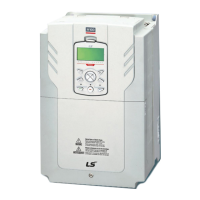
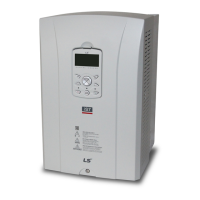
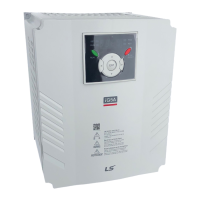
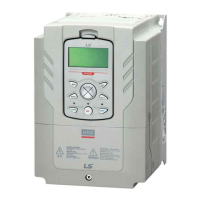
0.75–30 kW / 35–90 kW (3-Phase)
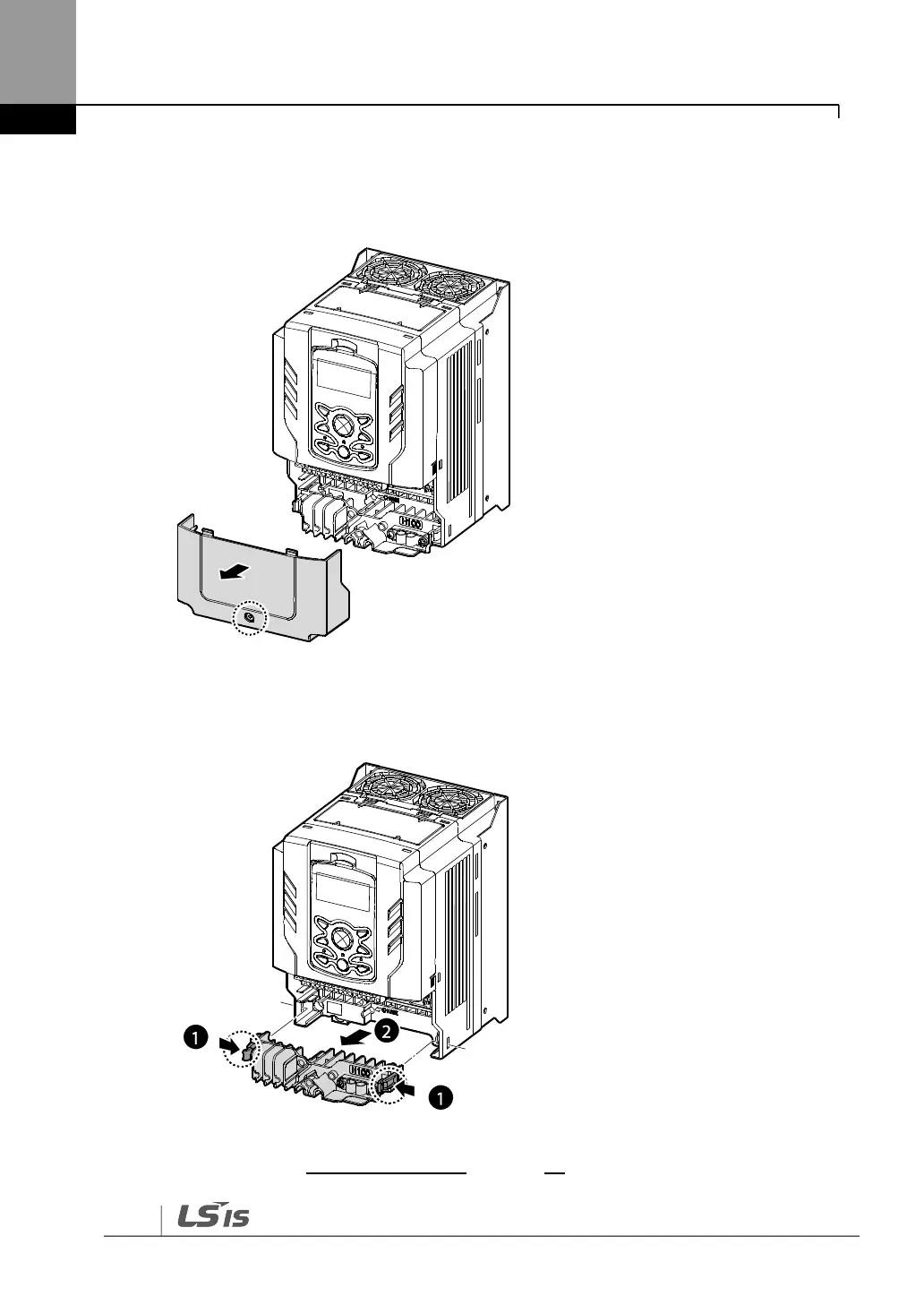
1 Loosen the bolt that secures the terminal cover. Then remove the cover by lifting it from
the bottom and away from the front.
2 Push and hold the levers on both sides of the cable guide (❶) and then remove the
cable guide by pulling it directly away from the front of the inverter (❷). In some models
where the cable guide is secured by a bolt, remove the bolt first.
3 Connect the cables to the power terminals and the control terminals. For cable
specifications, refer to 1.5 Cable Selection on page 10.


 To Next Page