38 - Instrument Operation
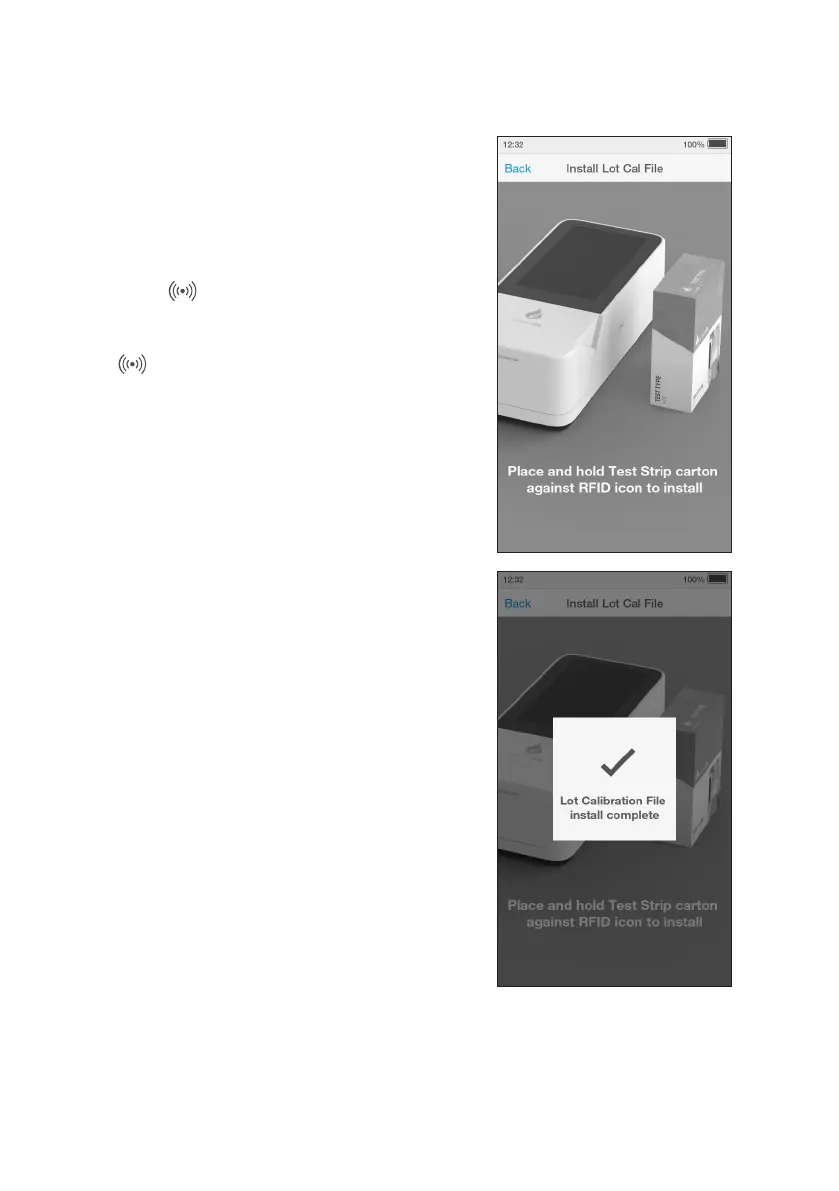
Install Lot Calibration File
A Lot Calibration File can be pre installed so
they are ready to be used.
Go to ‘Settings’ and tap ‘Install Lot
CalibrationFile’.
Locate the symbol on the Instrument.
When instructed by the Instrument, place
and hold the Test Strip Carton against the
RFID icon to install.
The Instrument will sound (if sounds are
turned on) and a confirmation message
willbe displayed once installed.



 To Next Page