56 - Instrument Operation
1. Power On and Login
2. Check Date and Time
Check that the date and time are correct.
If not correct, the current date and time will
need to be set by the administrator. (Refer
to “First time setup” in this chapter for more
information).
3. Prepare Quality Control Solution
Prepare the Quality Control according to the
LumiraDx Quality Control Product Insert.
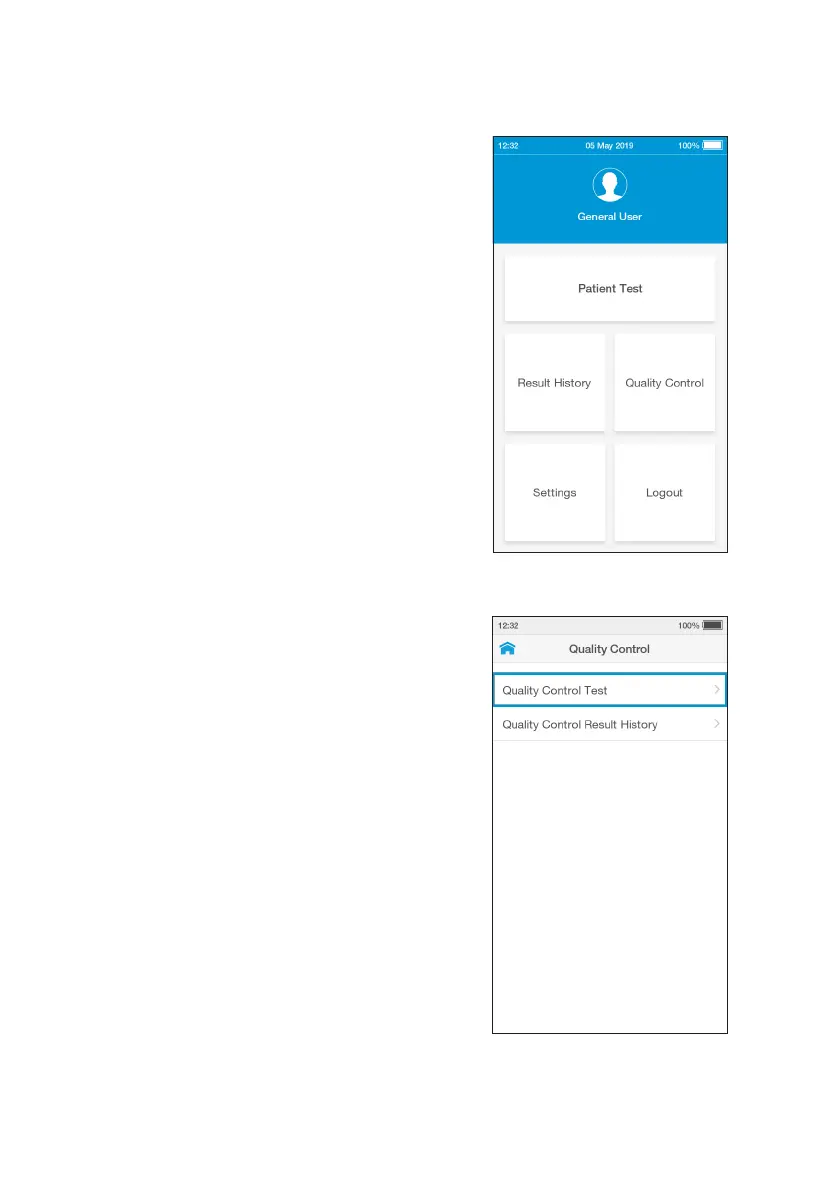
4. Tap Quality Control
Tap the ‘Quality Control’ button on the
home screen.
5. Select Quality Control Test
Tap ‘Quality Control Test’ from the Quality
Control menu.



 To Next Page