Instrument Operation - 57
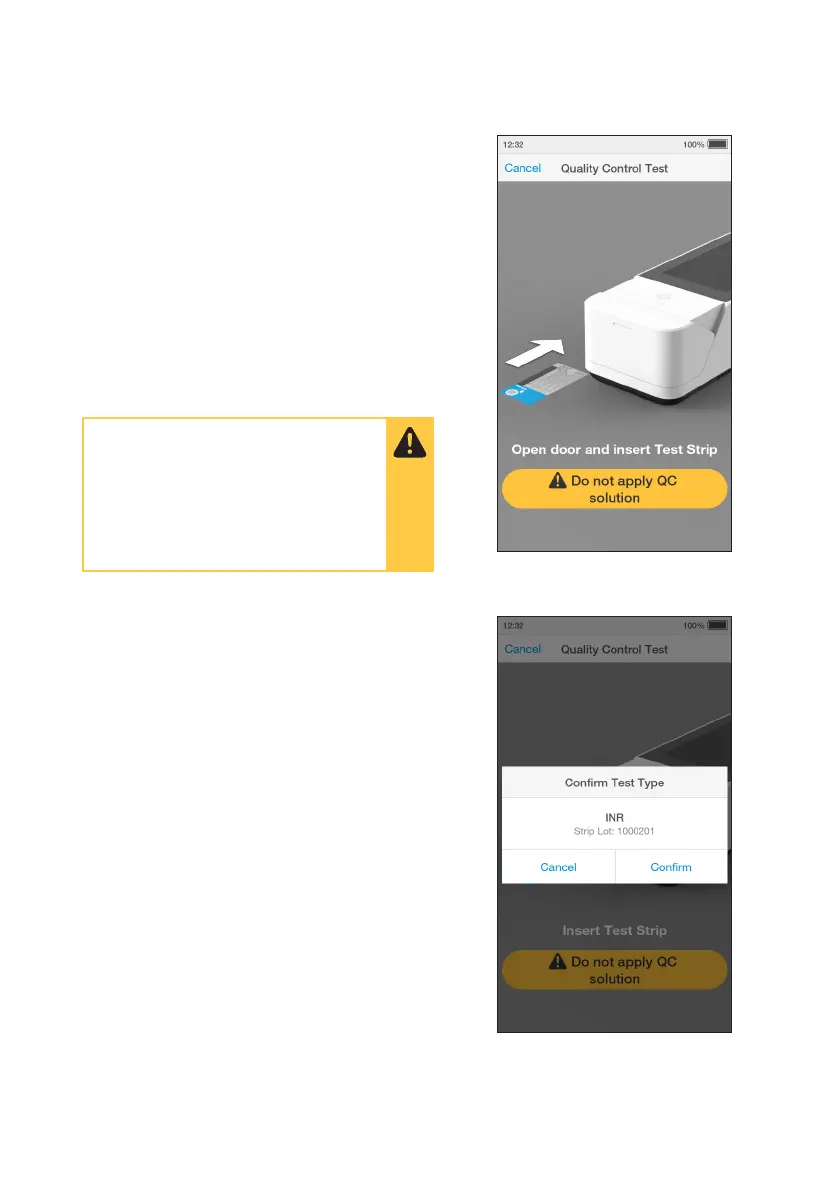
6. Open Door and Insert Test Strip
The Instrument display will prompt to open
the door and insert a Test Strip.
Remove a Test Strip from its packaging and
hold with the blue label side facing upward.
Line up the black alignment rib on the Test
Strip with the black line on the Instrument.
Insert the Test Strip gently as far as it will go.
The Instrument will sound when the Test Strip
is detected.
7. Conrm test type
Check the test type is correct and tap
‘Confirm’ to proceed.
Note: The Instrument will prompt to install the
Lot Calibration File when inserting a new Test
Strip Lot.
Do NOT touch Test Strip Sample
Application Area.
Do NOT touch Test Strip contacts.
Do NOT apply Quality Control until
prompted.



 To Next Page