luxul.com | 357 South 670 West | Suite 160 | Lindon, UT 84042 | p: 801-822-5450 | f: 801-822-5460
User Guide
11
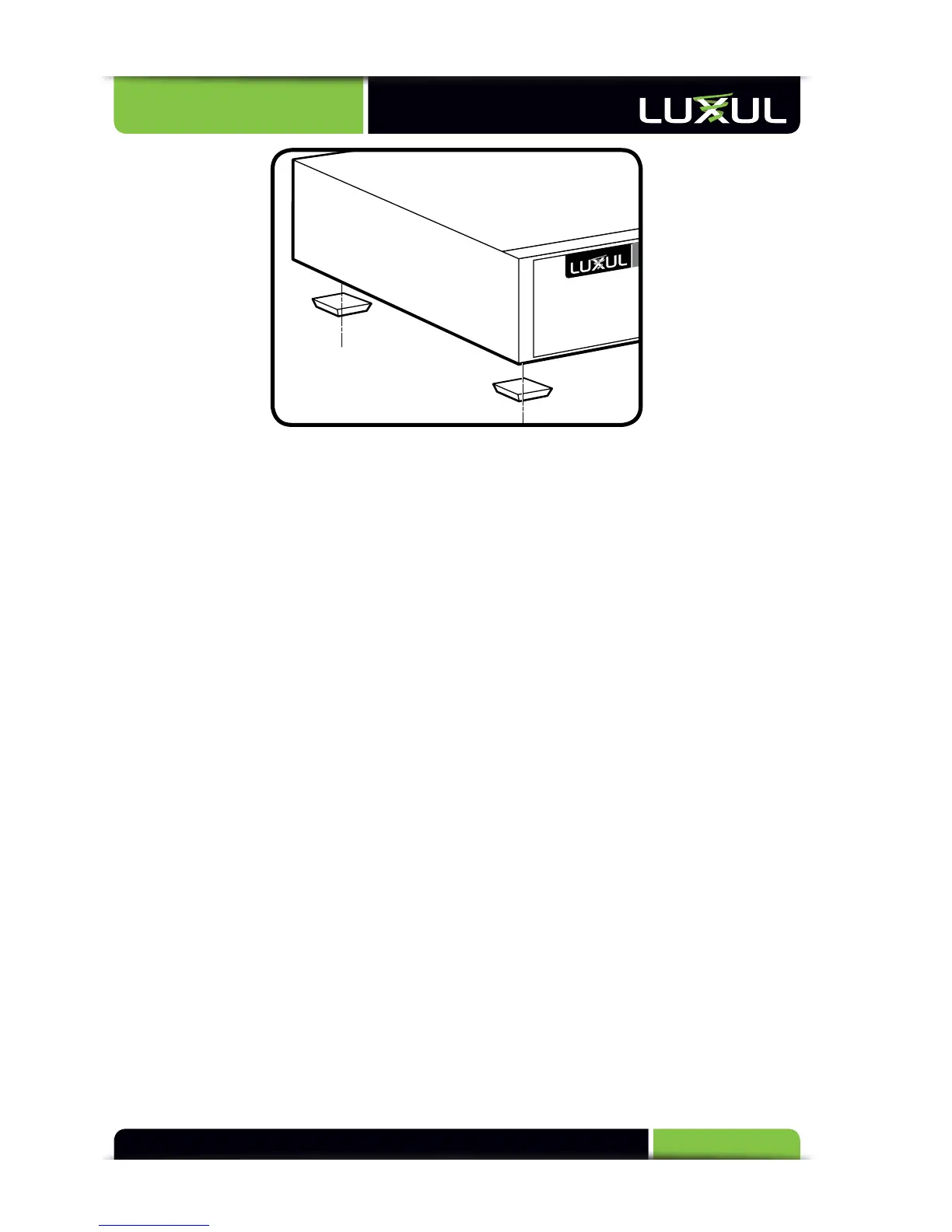
Attaching the Rubber Feet to the XMS-1024
4.3 Network Connections:
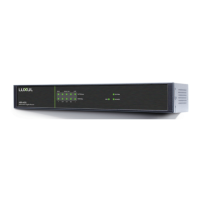
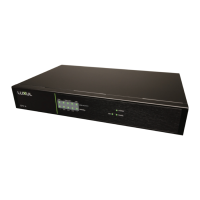
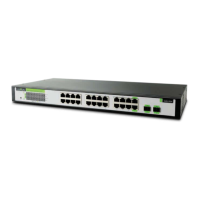
The XMS-1024 supports 10/100/1000 Mbps Ethernet; 10/100 Mbps half/full-
duplex mode and 1000 Mbps full-duplex mode. All RJ-45 ports support Auto MDI/
MDIX and can be used as ordinary ports or as Uplink ports. Any RJ-45 port can be
used to connect the XMS-1024 to an Ethernet enabled device (including servers,
routers, and other switches) without a crossover cable.
The
XMS
-1024
off
ers
2
shar
ed
SFP
optical
module
expansion
por
ts.
Onc
e
the
Gigabit
SFP
optical
modules
ar
e
ins
erted,
thes
e
int
erfaces
can
suppor
t
optical
fiber
cables to extend the Gigabit network up to 49 miles—enabling the network to
extend beyond the 300 foot limitation of twisted pair Ethernet.
For the RJ-45 ports, Category-5, super Category-5 or Category-6 unshielded twisted
pair (CAT5/CAT5e/CAT6 UTP) should be used. For best results, it is recommended
that Category-6 shielded twisted pair be used to ensure stable data transmission at
1000 Mbps.
Optical fiber/cable should be selected based on the wavelength of the SFP optical
module
t
o
be
us
ed.
Make sure only one Uplink channel exists between switches or between the XMS-
1024
and a router. Otherwise, loops can occur and result in network failure.
4.4 Default IP Address
The XMS-1024 default IP address is 192.168.0.2. This address can be changed.
However, for hassle free installation of other XenConnect™ plug and play Luxul
devices, it is recommended that the default IP value be maintained.


 To Next Page