luxul.com | 357 South 670 West | Suite 160 | Lindon, UT 84042 | p: 801-822-5450 | f: 801-822-5460
User Guide
27
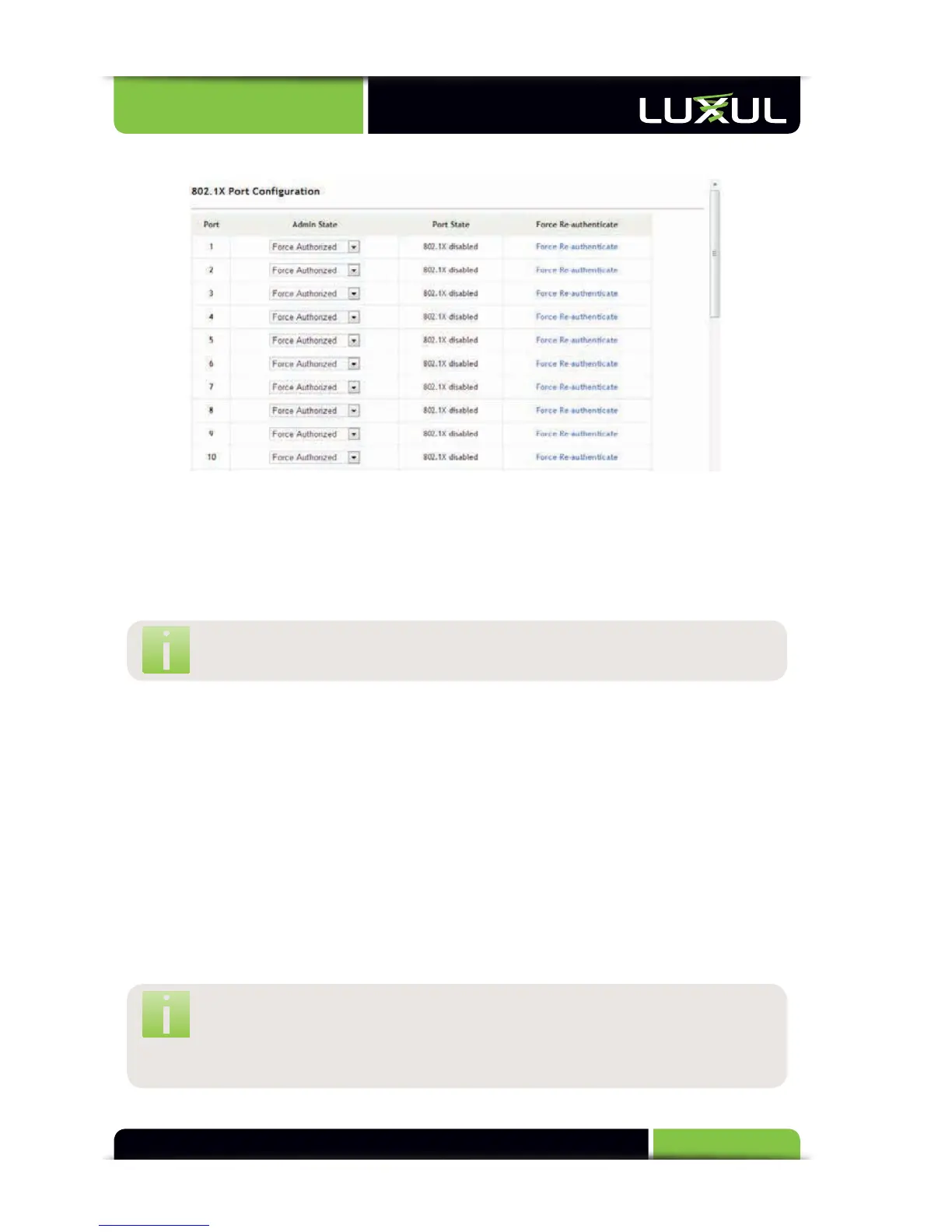
5.9.2 802.1X Port Configuration
Admin State: There are 3 options: Force Authorized, Force Unauthorized and
Auto. In “Forced Authorized” state, the port allows transmission of any message.
In “Forced Unauthorized” state, the port only allows transmission of authenti-
cated messages. In “Auto” state the port allows transmission of certain messages
according to the authentication result
NO
TE:
If
using
a
RADIUS
s
erver,
it
is
r
ecommended
t
o
us
e
the
“
Auto”
sta
te
s
etting.
Port State: Displays the 802.1X status of each port. Options include: 802.1X
dis
abled,
Link
Int
errupted,
Authorized
or
Unauthorized
Force Re-authenticate: Clicking the link forces the corresponding port to
perform reauthentication
5.10 RSTP
Rapid Spanning Tree Protocol (RSTP) can be used to create connection links for
redundancy and failover. To avoid loops, RSTP automatically assigns a root bridge
or root port and parameters are changed at the bridge level.
5.10.1 RSTP Configuration
5.10.2 RSTP Port
Configuration
NOTE: Because the RSTP algorithm is complex, it is recommended
to use default values. If modification to RSTP parameters is
necessary, consult a networking expert and/or carefully read and
understand RSTP definitions and procedures.



 To Next Page