User Guide
14
© Copyright 2013 Luxul. All rights reserved. Trademarks & Registered Trademarks are property of respective holders.
w
Subnet Mask: 255.255.255.0 by default
w
Gateway: 0.0.0.0 by default
w
MAC Address: MAC address of the switch
w
ARL Aging Time: Aging time of the MAC address table, 300 seconds by default
5.3 Port Settings
In this screen you can set the operating mode of each port. Six working modes
are available for any port: 10 Mbps half-duplex, 10 Mbps full-duplex, 100 Mbps
half-duplex, 100 Mbps full-duplex, 1000 Mbps full-duplex and auto negotiation.
By default, the auto negotiation mode is enabled for all ports. In this mode, upon
switch power up, each port automatically communicates and negotiates with its
connected device, to determine the optimal operating mode. For other operating
modes, manual setting is required and the settings should match the operating
mode of the connected device; otherwise communication may fail. Port settings
also affect the port mirroring and Trunk group functions.
5.3.1 Port
5.3.2 Rate Limit
5.3.3 Storm Control
5.3.4 Statistics
5.3.1 Port
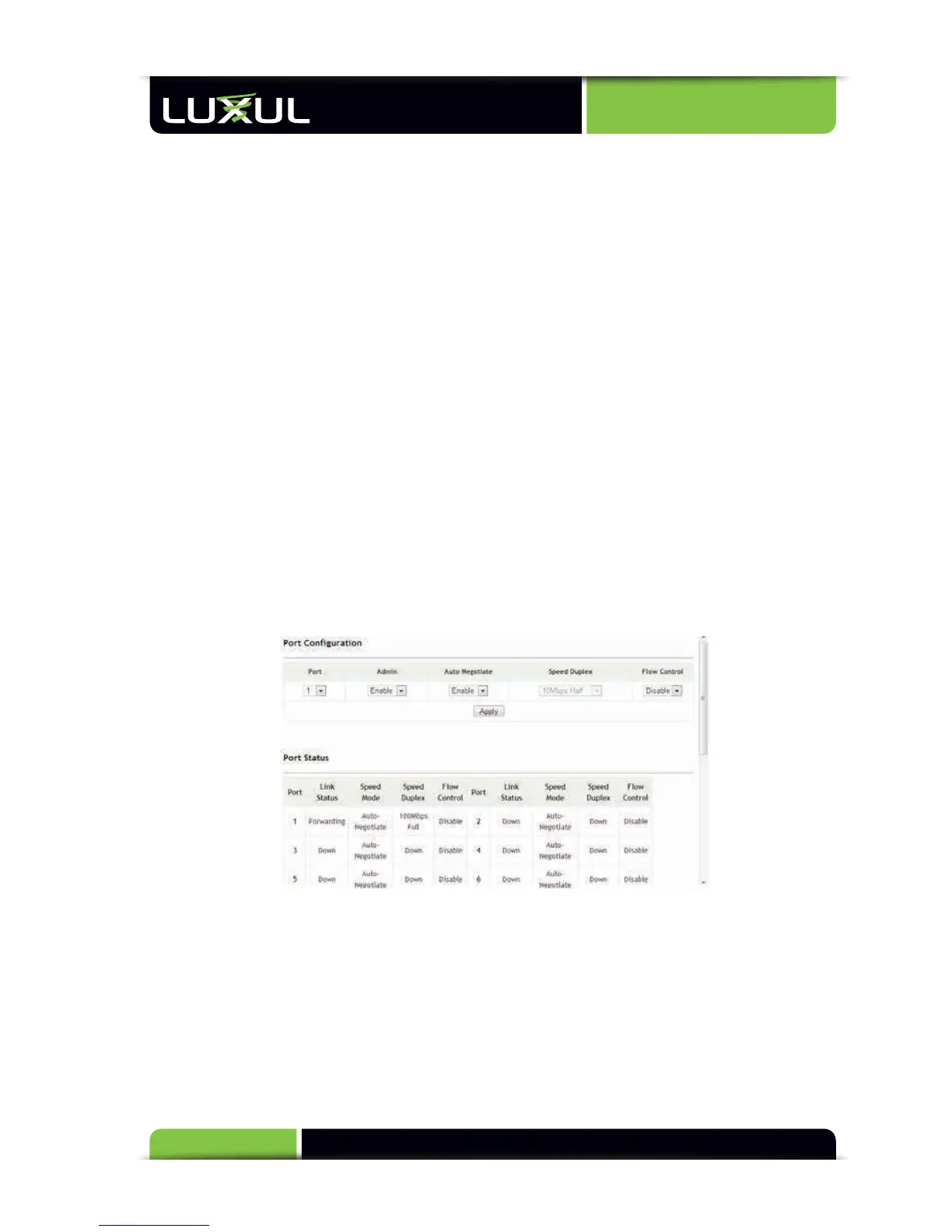
Port Configuration: Basic port configuration options for the XMS-1024 include
port enable/disable, operating mode and flow control. The following describes
the configuration functionality:
w
Port: Displays the corresponding port number for viewing or changing settings.
All 24 10/100/1000 Mbps Ethernet ports are available for configuration.
w
Admin: Either enables or disables the corresponding port. If “Disable” is
selected, the port is no longer operational.



 To Next Page