luxul.com | 357 South 670 West | Suite 160 | Lindon, UT 84042 | p: 801-822-5450 | f: 801-822-5460
User Guide
23
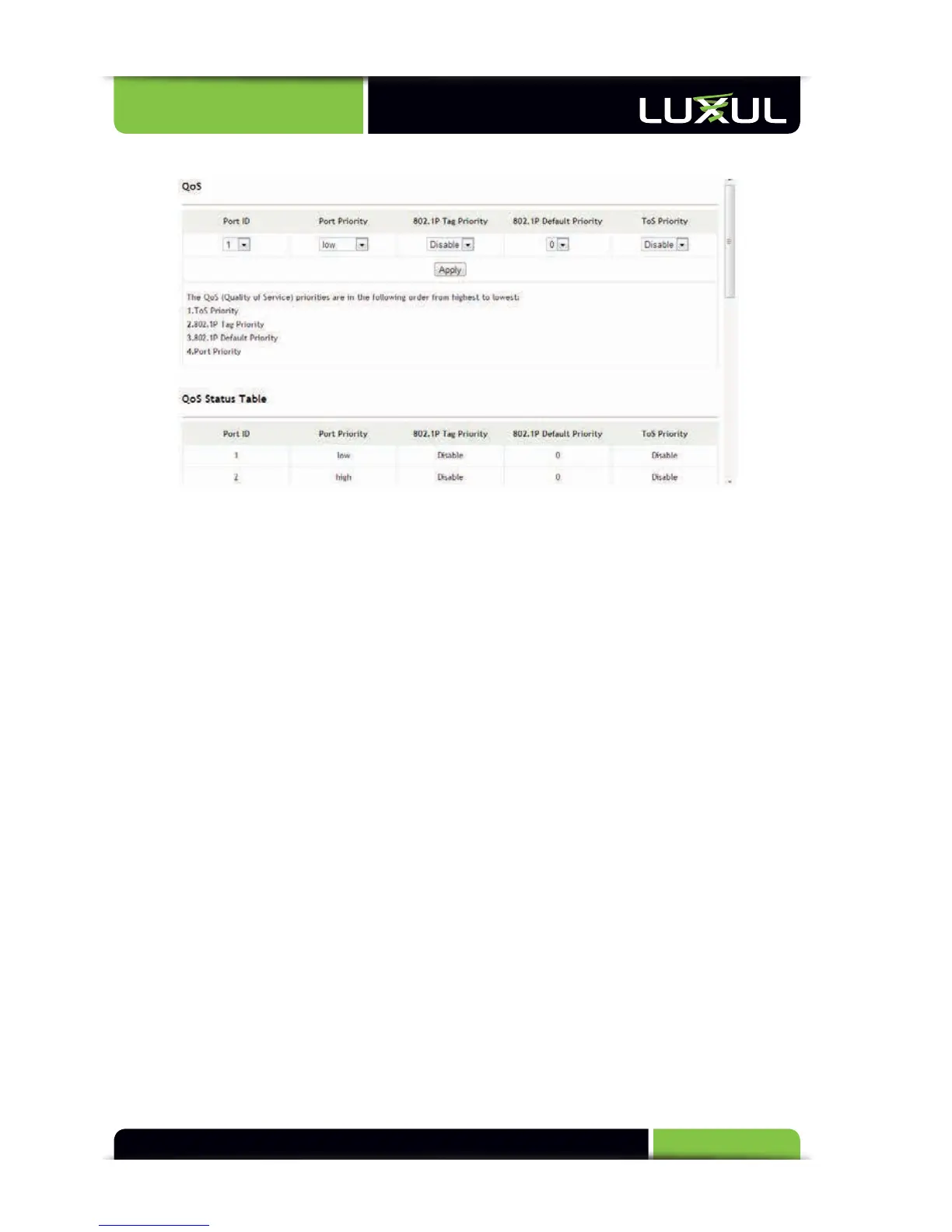
5.7 QoS
QoS functions can be implemented through a combination of priority mode
settings and priority control options. The XMS-1024 supports packet mapping by 4
priority levels (low, normal, medium and high) and 3 priority setting modes: Type of
Service (ToS) Priority, 802.1P Tag Priority, and 802.1P Default Priority
QoS priority setting modes are in the following order from highest to
lowest:
w
ToS Priority: If “ToS Priority” is enabled, the switch automatically reads an 8-bit
ToS tag from the IPv6/IPv4 packet. If the priority tag indicates a high priority,
this packet is mapped to high priority for priority processing. When the switch
becomes busy, it processes the packets marked with a high priority first.
w
802.1P Tag Priority: If “802.1Q Tag Priority” is enabled, the switch automatically
reads a 3-bit priority tag from the packet with a valid VLAN tag. If the priority
tag indicates a high priority, the packet is mapped to high priority. When the
switch becomes busy, it processes the packets marked with a high priority first.
w
802.1P Default Priority
w
Port Priority: If “Port Priority” is enabled and high priority is assigned to a physi-
cal port, all packets passing this port are mapped to high priority. As a result,
the switch processes the packets received/transmitted by this port first.
Description of QoS Configuration:
w
Port ID: Selects the port to be set
w
Port Priority: Select “low”, “normal”, “medium” or “high” for the desired port
priority



 To Next Page