luxul.com | 357 South 670 West | Suite 160 | Lindon, UT 84042 | p: 801-822-5450 | f: 801-822-5460
User Guide
31
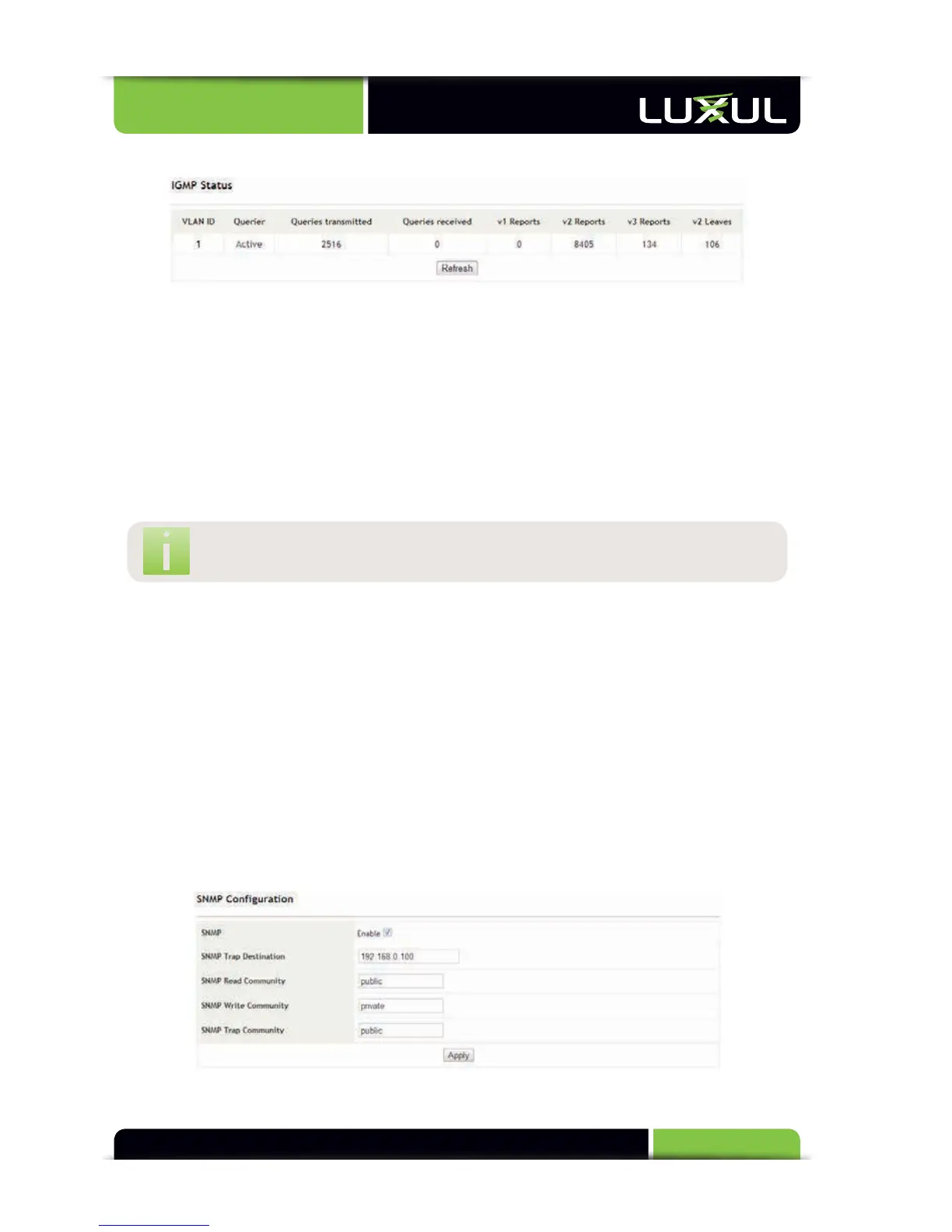
5.11.2 Snooping Status
IGMP Status: Displays the multicast snooping options configured by VLAN. When
the multicast table is not established, “Querier” displays “Idle”. When the XMS-1024
snoops into a multicast message, “Querier” displays “Active” and the values in
“Queries transmitted” and “Queries received” will begin to be displayed. The values
in “V1 Reports”, “V2 Reports” and “V3 Reports” shows the version of the multicast
messages received. If a message is of V2 and a device in the multicast table wants
to leave the multicast group, the leave message is transmitted in V2 format.
Refresh: Manually refreshes the current port status
NO
TE:
This
pag
e
does
not
dynamically
r
efresh
its
elf
5.12 System
5.12.1 SNMP
5.12.2 Change Password
5.12.3 Power Save
5.12.4 Upgrade
5.12.5 IP Configuration
5.12.6 MAC Aging
Configuration
5.12.7 Restore Factory
Defaults
5.12.8 Backup
5.12.9 Restore
5.12.10 Logout
5.12.1 SNMP
All management information and counters are stored in the Management



 To Next Page