luxul.com | 357 South 670 West | Suite 160 | Lindon, UT 84042 | p: 801-822-5450 | f: 801-822-5460
User Guide
39
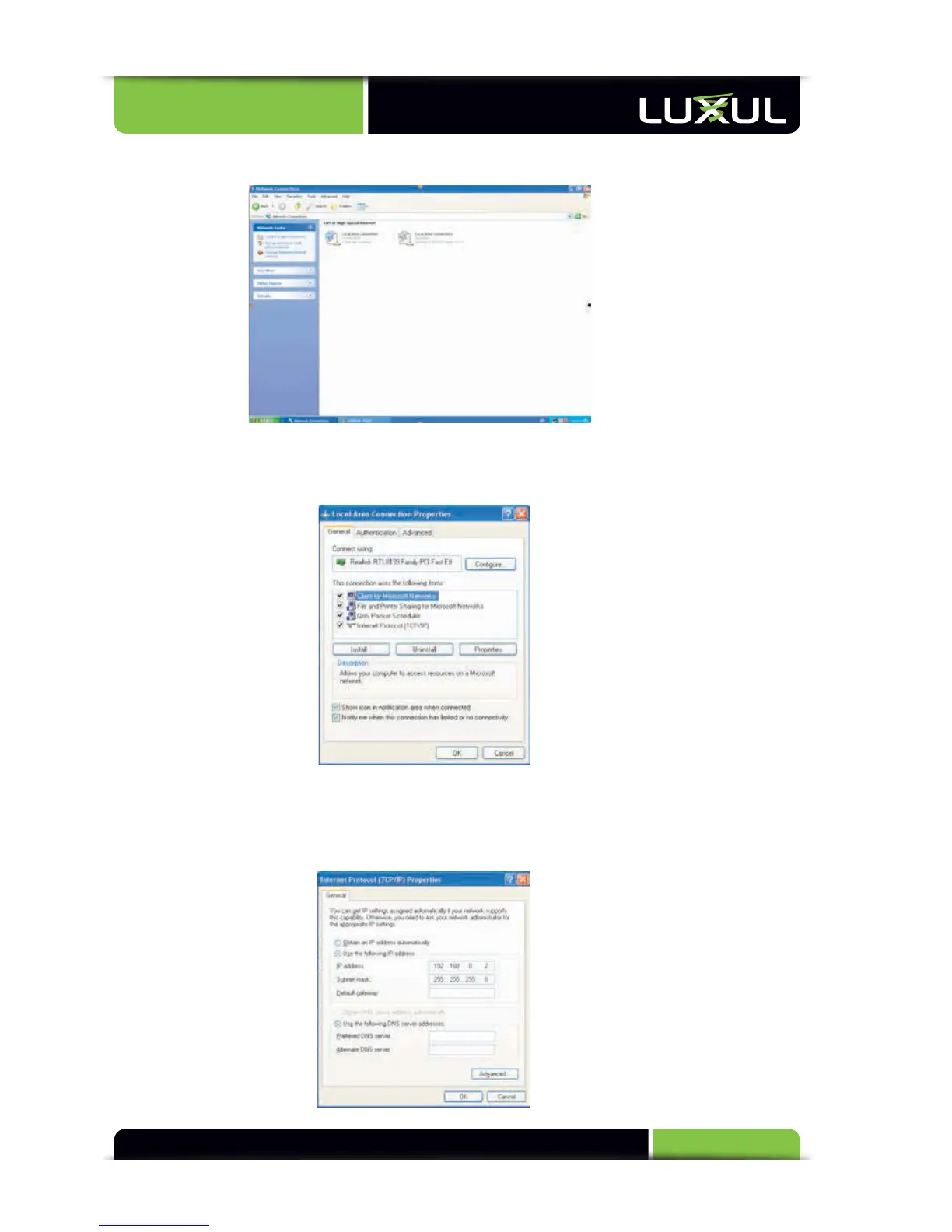
Double click “Network Connection” (see Figure 2).
Figure 2
Right-click
“Local
Ar
ea
C
onnection”
and
then
s
elect
“Pr
operties”
in
the
shor
tcut
menu.
Selec
t
“Int
ernet
Pr
otocol
(T
CP/IP)”
then
click
“Pr
operties”
(s
ee
Figur
e
3
).
Figure 3
Select “Use the following IP address”, enter “192.168.0.xxx” (“xxx” ranges 2~254)
for IP address and 255.255.255.0 for subnet mask (see Figure 4) Note: do not use
192.168.0.2 as this is the address of the switch.
Figure 4



 To Next Page