334 Writing ActionScript with Script Assist
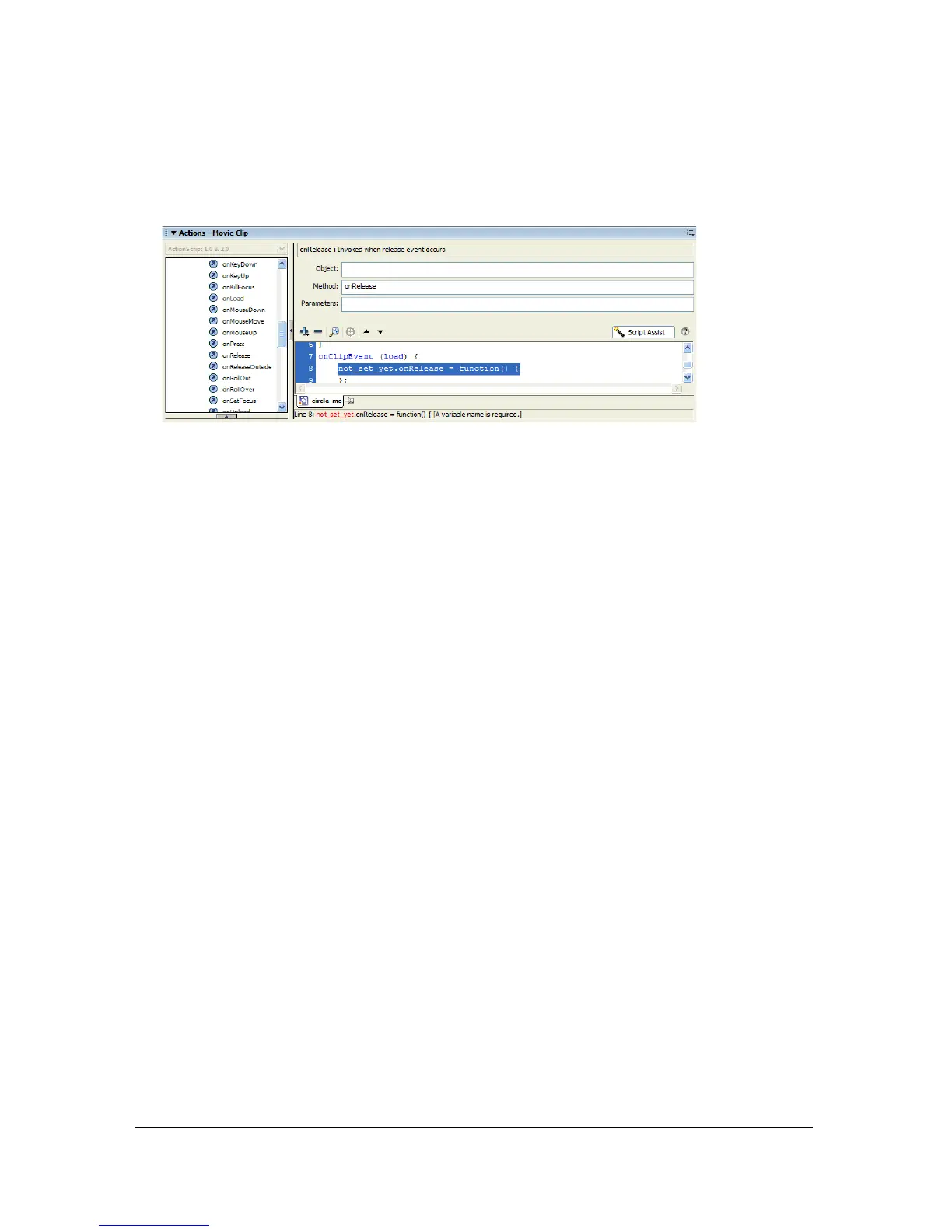
20.In the Actions Toolbox, navigate to ActionScript 2.0 Classes > Movie > MovieClip >
Events > onRelease, and double-click onRelease. The
onRelease method is added to the
Actions panel.
21. Click in the Object text box, and click the Target Path button.
The Target Path dialog box is displayed.
22.In the Target Path dialog box, select the MyCircle movie clip instance, and ensure that the
Relative path radio button is selected. Click OK.
23.Click the Add (+) button, and select Global Functions > MovieClip Control > stopDrag.
The finished code looks like this:
this.my_mc.onPress = function() {
startDrag(this, false, 0, 0, 300, 300);
};
this.my_mc.onRelease = function() {
stopDrag();
};
24.
Test your completed code by selecting Control > Test Movie. In the Test Movie window,
move the pointer over the circle you created, and drag it around the Text Movie window.
To learn more about writing ActionScript, see Learning ActionScript 2.0 in Flash.



 To Next Page