408 Data Integration (Flash Professional Only)
To create an indexed binding:
1. If you haven’t already done so, create the example application shown in “Creating a simple
application” on page 391.
2. Drag a TextArea component to the Stage and name it myTextArea.
3. Select the xmlConn instance, click the Bindings tab, click the + symbol, and select the
description:String property, which is in the food array.
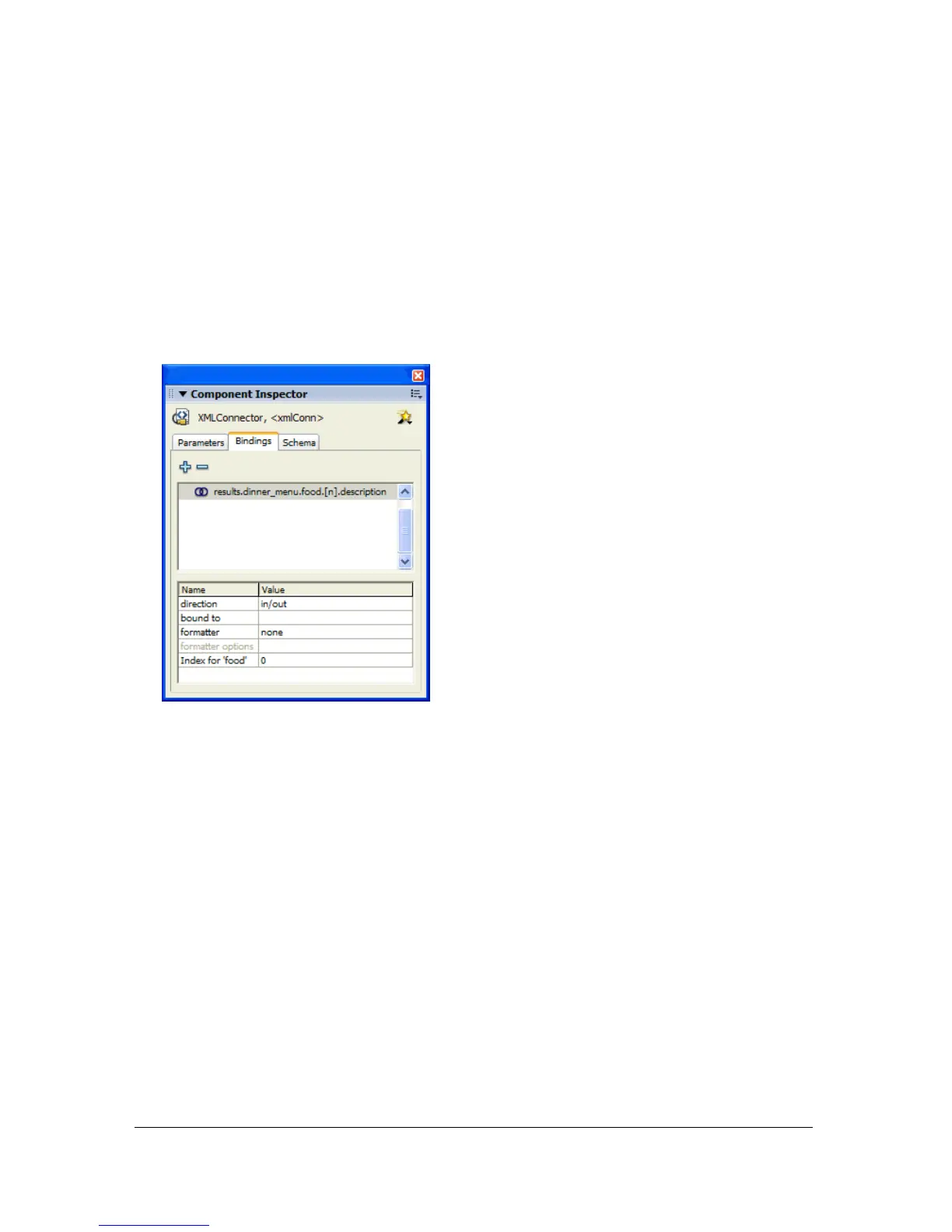
Notice that on the Bindings tab, the attribute
Index for ‘food’ is dynamically added,
as shown in the following image; you’ll fill in this value in a later step.
4. With the results:dinner_menu:food.[n].description:String field selected on the
Bindings tab, click Bound To, click the magnifying glass icon, select
myTextArea, and
select the
text:string property.
The text area will be populated by the
description property of the food array.
Next, you define the index value for the
food array, so that when the user clicks a different
item in the data grid, the correct description populates the text box.



 To Next Page