410 Data Integration (Flash Professional Only)
If a binding is created for any of these items, an index for 'row' property appears in the
Binding Attributes pane, so that an index can be specified for the row array. Flash uses the [n]
schema field to identify this type of relationship. Therefore, you might need to duplicate this
entry if you are manually creating a schema. To do this, you add a new schema field under the
row : Array node and set Field Name for the schema field to [n]. The compiler reads this
value and creates an
index for property if it is used within a binding.
About debugging data binding and web services
(Flash Professional only)
Data binding is a series of actions that occur in response to events, such as the following:
■ The data of a component property changes.
■ A web service call is completed.
■ An XML document is fetched.
You can create a log of all actions that are performed by data binding or web services. To
create the log, create a new Log object by adding the following code to the first frame in your
Flash document:
_global.__dataLogger=new mx.data.binding.Log(); //to enable trace log
To turn the trace log off, use the following code:
_global.__dataLogger=null; //disable trace for binding
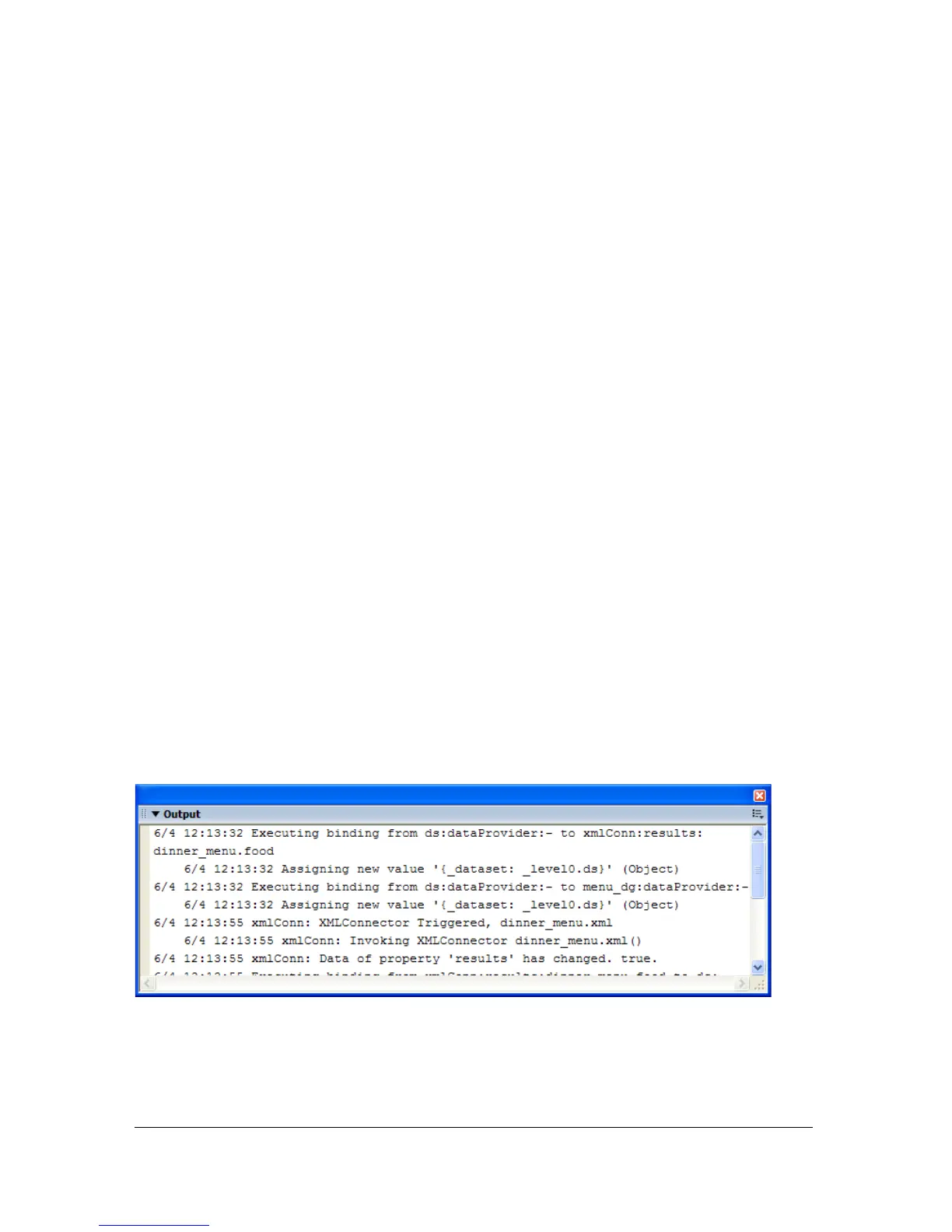
When you run an application that turns the trace on, a detailed log of data binding and web
services events and actions appears in the Output window. The following image shows the log
for the application created in “Creating a simple application” on page 391, when the code to
enable the trace log is added to the first frame of the application:



 To Next Page