(E) 9
LT10A / LT11A Series
e Measuring unit input :SIG. IN A
r Measuring unit input : SIG. IN B (2 channel models)
ty BCD Output
With the 2 channel models the upper and lower
selections of the front panel’s main display correspond
to the BCD OUT. A/BCD OUT. B. So if “A+B” is
selected the output is to BCD OUT. A.
The following operations are possible when BCD
input/output terminal is used.
Input : Comparator value selection (4 settings),
measuring mode (current value, maximum value,
minimum value, peak-to-peak values) selection
Output: 5 digits
Outputs one of the current, maximum,
minimum, and peak-to-peak values selected
via the keys on the front panel and the
external input.
Alarm output
u RS-232C interface
(See “8. RS-232C Interface”.)
Reset, peak-hold start, setting/recall of preset values,
setting the comparator value, selecting and outputting
the current value/maximum value/minimum value/
peak-to-peak value.
4-3. Function description
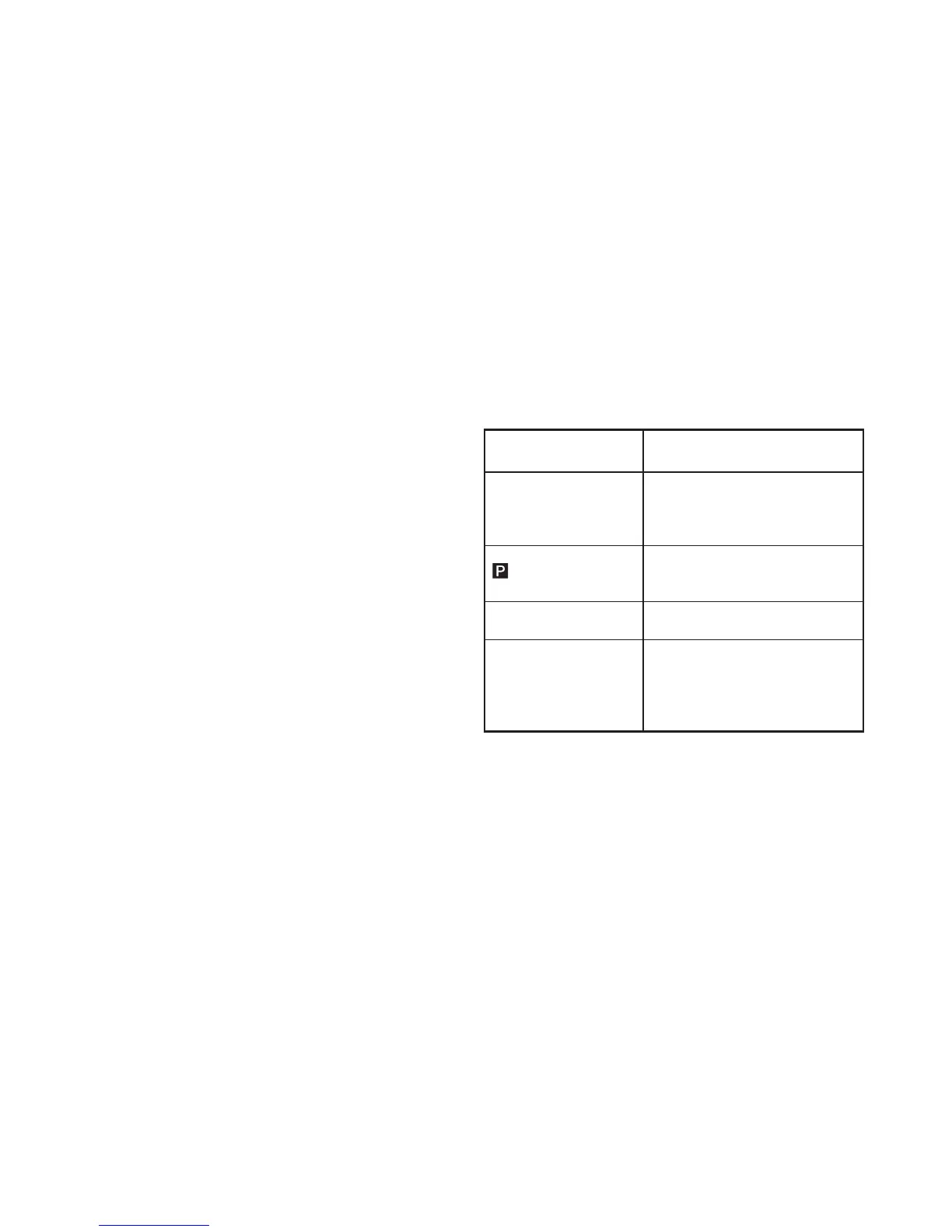
4-3-1. Reset key
Counter unit
Measuring mode
(Current value, maximum
value, minimum value,
peak-to-peak value)
Preset mode
(
and the selected digit
will flash.)
“Error” is displayed
All the numbers for the
channel with an error
flash.
Operation performed when reset
key is pressed
Display is set to zero.
When a preset value has been set, it
is recalled.
Preset value is set to zero.
“Error” is canceled and then returnes
to the measuring state.
Automatically carries out initialization
to calibrate the device to a new
measuring unit. (Before resetting the
measuring unit must be moved at
least 1 mm.)
4-3-2. Preset functions
• It is possible to set preset values for each of the current,
maximum, and minimum value measuring modes.
• For instructions on setting the preset value, please refer
to P18, “5-2-1. Setting the preset value.”



 To Next Page