LT10A / LT11A Series
30 (E)
• When Initial setting
#5#6 Comparator value selection input
50 % 50 %
Time set
(Inifial setting)
READY(OUT)
BCD Data(OUT)
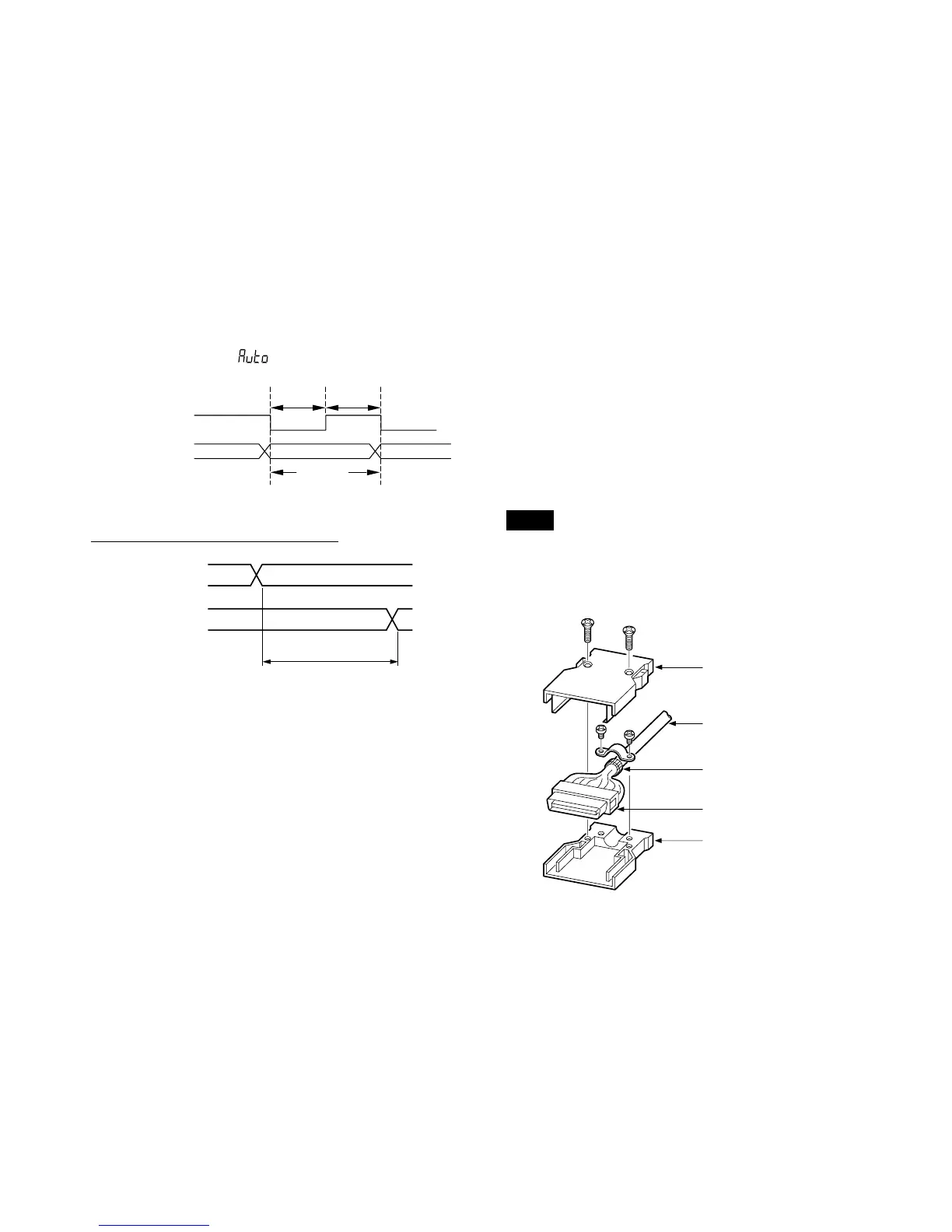
7-3. Interface cable
• Use a shielded cable with thickness less than φ8.7 mm,
and length under 2 m.
In addition, connect the shielded cable of the connected
equipment to frame GND.
• The plug case is connected to FG of the counter unit.
Connect the braided wire to the case after folding back
and securing with the metal clips.
Note
Be sure to insulate (with insulation tubes, etc.) the soldered
areas of the plug and cable to prevent a malfunction caused
by contact between the case and plug pins.
Assembling the plug provided
Fold back the braided wire and
secure with the metal clips.
Cable
Case
Plug
Case
I N
DATA (OUT)
MAX. 0.2 ms



 To Next Page