LT10A / LT11A Series
(E) 21
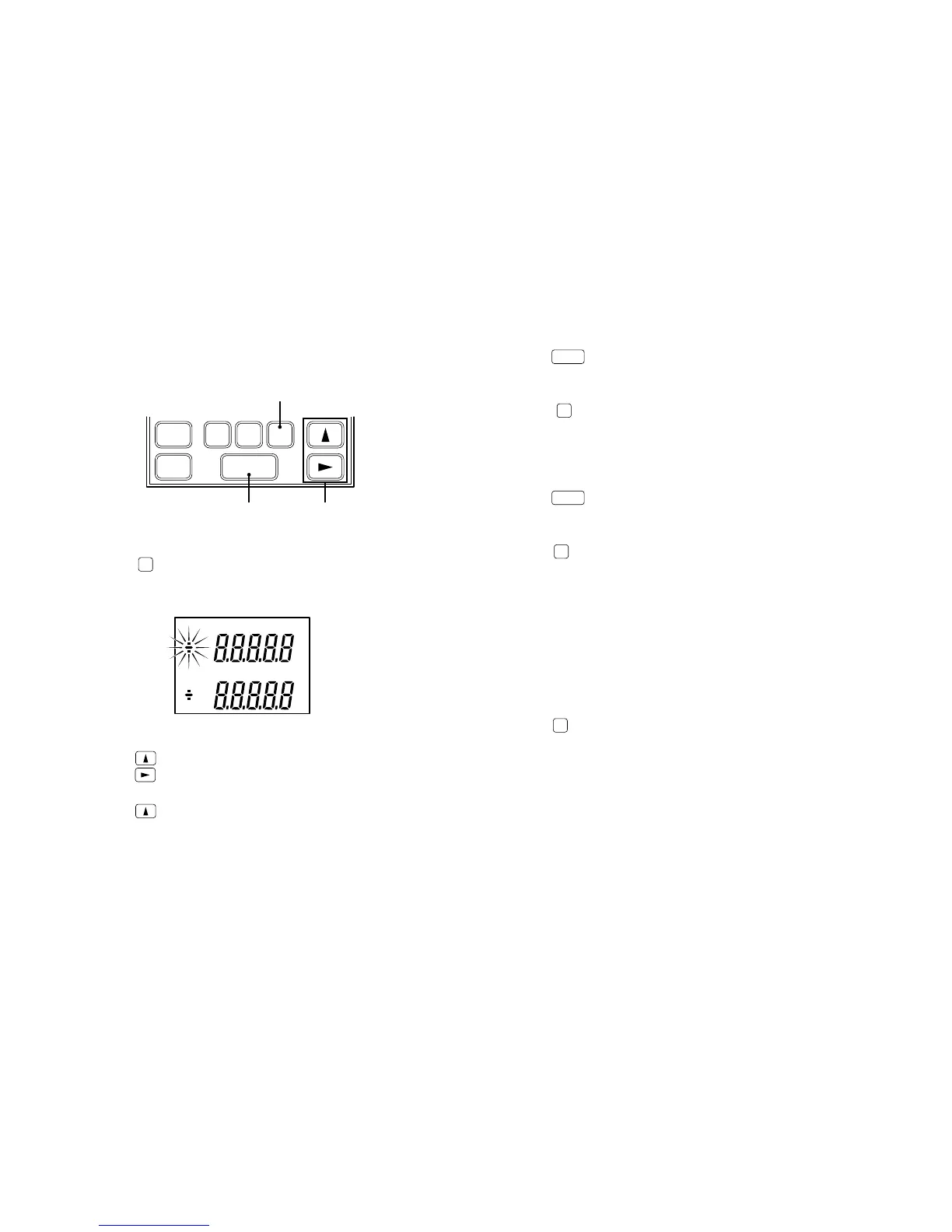
5-2-3. Setting the comparator values
1 Push
COMP
to select the mode for setting the channel A
comparator values. Start from the CPH (comparator
upper limit) setting.
2 Push
to select a sign.
Push
to select digits.
A selected digit flashes.
Push
to select a number.
RESET
SET
P
MODE COMP
A
RESET
B
3, 6, 9, 12 2, 5, 8, 11
1, 4, 7, 10, 13
C P H
C P L
A
3 Push
SET
to set.
“CPH” flashes.
4 Push
COMP
to select the CPL comparator lower limit
setting mode. Sign of the CPL value flashes.
5 Same as 2.
6 Push
SET
to set.
“CPH” and “CPL” flash.
7 Push
COMP
to select the mode for setting the channel B
comparator values.
∗ Single channel models return to the measuring state.
8
9
10 Same as 2, 3, 4, 5, 6.
11
12
13 Push
COMP
to return to the measuring state.



 To Next Page