LT10A / LT11A Series
22 (E)
5-2-4. Setting the key lock
Set the key lock to invalidate the key operations. This
stores the displayed values or set values should a key is hit
by accident. The key lock can be set during normal
operations.
Setting
1. Press and hold
(for about 5 seconds). Keep
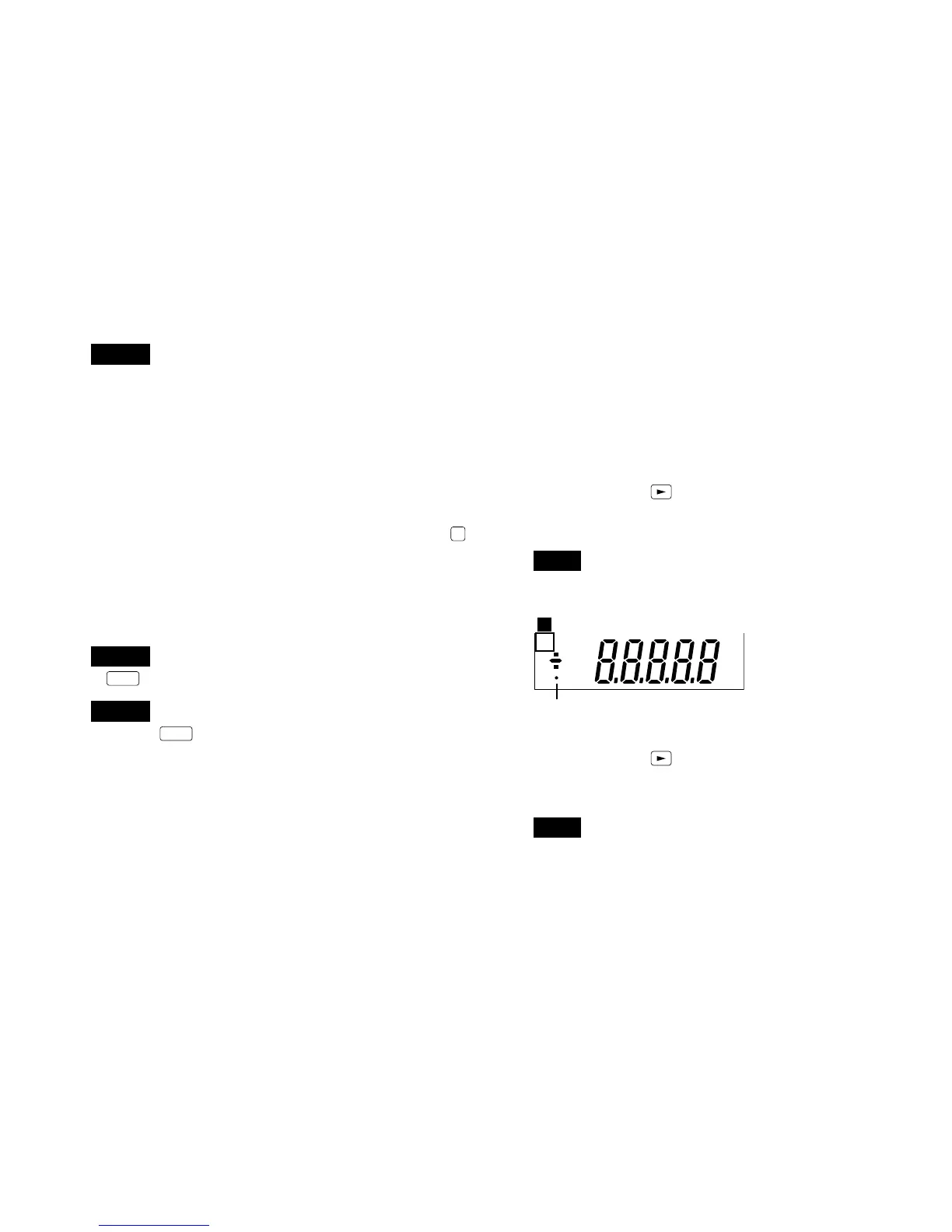
pressing until the key lock indicator in the main display
changes from flashing to on.
Note
The setting is not performed unless the key is pressed
while the indicator is flashing.
Release
1. Press and hold
(for about 5 seconds). Keep
pressing until the key lock indicator in the main display
changes from flashing to off.
Note
The release is not performed unless the key is pressed
while the indicator is flashing.
Key lock indicator
mm
M A X M I N P — P C P L1 2 3 4
P
B
Note 1
With the BCD models four different settings can be stored
in memory. The operations are as follows.
A CH CPH1 CPH2 CPH3 CPH4
CPL1 CPL2 CPL3 CPL4
↓↓↓↓
B CH CPH1 CPH2 CPH3 CPH4
CPL1 CPL2 CPL3 CPL4
• When the 4 settings are not required press
COMP
repeatedly.
• Changing the 4 different setting values is carried out via
the BCD connector input terminal.
• When the BCD connector is not connected the setting is
CPH1 and CPL1.
Note 2
If
SET
is not pressed the previous setting is maintained.
Note 3
When the
SET
key is pressed to set the CPL the sign (“+”
or “–”) of the CPH value may flash. This is because the CPH
(upper limit) is less than the CPL (lower limit), and the
device is in the CPH setting mode. In this case, return to
and start from the CPH setting.
→
→
→



 To Next Page