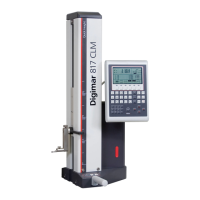
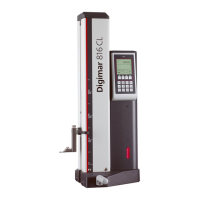
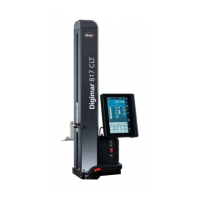
Mahr GmbH, Digimar 817 CLT
14
3 User interface of the Digimar
software
The user interface consists of
• Status bar
• Menu bar
• Information area
• Function key bar
The elements of the user interface are
explained in detail in the online help of
the Digimar software.
3.1 Status bar
The status bar is on the top edge of the user
interface and contains the following elements
(from left to right):
• Current date and current time
• Unit of the measuring system
• Activation status of numerical corrections
• Measurement type (plane or bore)
• Current battery status
Status bar of the user interface
3.2 Menu bar
The menu bar is on the right-hand edge of
the user interface and contains the following
buttons and display elements:
Opens the "Settings" menu for
defining the software settings.
Switches the context-sensitive online
help on or off.
Allows you to set zero points.
Allows you to calibrate the probe.
Switches quick mode on or off.
Indicates that data transfer to a USB
memory stick is enabled.
Indicates that data transfer via
i-stick using "MarCom Professional"
software is enabled.
Indicates that data transfer via
mini USB cable using "MarCom
Professional" software is enabled.
Indicates that data transfer to a
Bluetooth printer is enabled.
Aborts the current action or
deletes the highlighted entries
from the measuring value list in the
information area.
Confirms the current action.
Toggles to other measuring functions
to be selected in the function key bar
Toggles to any measuring functions
to be selected beforehand in the
function key bar.

 To Next Page
 Loading...