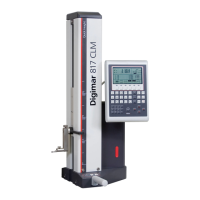
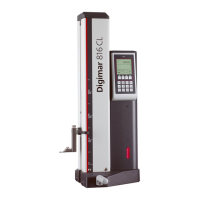
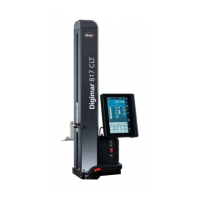
Mahr GmbH, Digimar 817 CLT
24
4.7.4 Measuring program mode
Measuring program mode allows you to
automate recurring measuring steps by
creating, saving (as a file), and then running
a measuring program.
The results of a measuring program can be
saved and displayed as a results file in PDF
and/or Text format.
To activate measuring program mode:
• Press the
button in the menu bar of the
user interface, and select "Programs" from
the "Settings" menu that now appears.
Or press the
button in the function key
bar of the user interface.
•
Measuring program mode is enabled and
the "Programs" screen appears.
•
In the "Programs" screen, you can select
and manage measuring programs as well
as the results files of measuring programs
that have run.
When measuring program mode is activated,
the function key bar of the user interface
displays the relevant buttons for managing
measuring program and results files and for
editing measuring programs.
The online help of the Digimar software
explains in detail how to create, edit,
and run a measuring program.
4.7.5 Measuring results
Measuring results can be saved in PDF and/
or Text files.
The online help of the Digimar
software explains in detail how to
create and output PDF and Text files.

 To Next Page
 Loading...