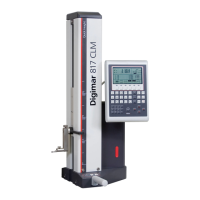
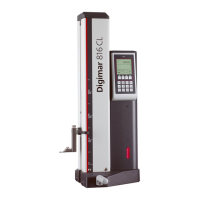
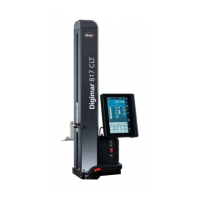
Mahr GmbH, Digimar 817 CLT
23
4.7.3 Quick mode
In quick mode, the system automatically
identifies the desired measuring function
based on the measuring slide movement and
starts it automatically.
Quick mode can be used, for example, to
conduct chain measurements or several
bores (e.g. in hole circle calculations) quickly
and efficiently.
To activate quick mode:
•
Press the button in the menu bar of the
user interface.
When quick mode is activated, the lettering
on the button is green.
•
Press the toggle key for the type of
measurement on the base of the height
measuring instrument.
•
The status bar displays the icon of the
active measurement
"Plane" measurement for single
point measurement.
"Bore" measurement for double
point measurement.
• Move the measuring probe to a position at
the point to be measured, e.g. above the
surface to be contacted.
• Gently move the slide towards the surface
to be contacted, e.g. downwards, using the
positioning handle.
handle
•
The instrument recognizes that the surface
is to be contacted and starts the measuring
function automatically.
•
After contacting, the measured value is
accepted and displayed in the top section
of the information area.
A measurement in quick mode can be
aborted at any time by pressing the
button in the menu bar of the user
interface.


 To Next Page
 Loading...