33
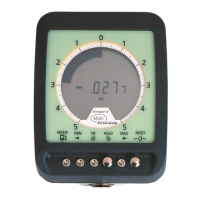
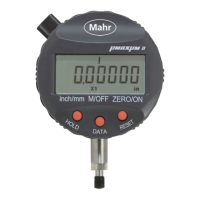
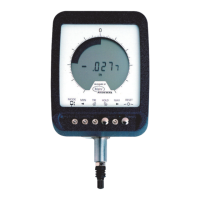
Maxuum III Digital Electronic Indicator 2239028 Rev D
2. Using the Indicator's Standard Mode, Press and release
the True Spindle Position button to enter the TSP
mode.
3. Adjust the stand until the digital readout reads exactly
zero. Do not use Auto-Zero.
4. Remove the Zero block and place each of the other
gage blocks under the measuring spindle. Observe the
digital reading for each. Each reading should be within
the allowable variation listed in the table on page 33 If
not, refer to Section, ’5.4 Calibration’ on page 35.


 To Next Page
 Loading...