• DOK-DIAX02-DDS02.1*ANA-ANW1-EN-E1,44 • 12.96
103
9. Diagnostics and fault clearance
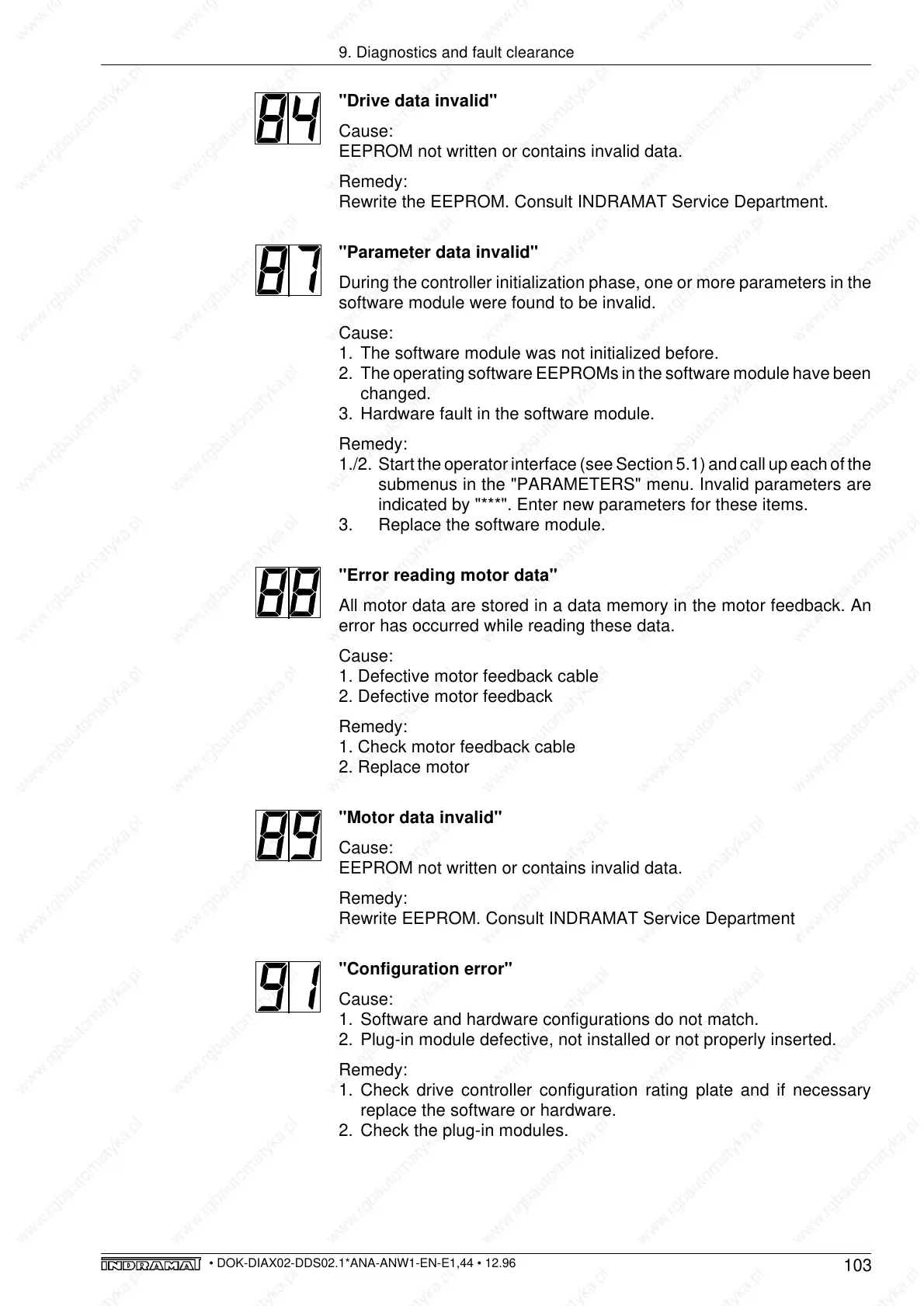
"Drive data invalid"
Cause:
EEPROM not written or contains invalid data.
Remedy:
Rewrite the EEPROM. Consult INDRAMAT Service Department.
"Parameter data invalid"
During the controller initialization phase, one or more parameters in the
software module were found to be invalid.
Cause:
1. The software module was not initialized before.
2. The operating software EEPROMs in the software module have been
changed.
3. Hardware fault in the software module.
Remedy:
1./2. Start the operator interface (see Section 5.1) and call up each of the
submenus in the "PARAMETERS" menu. Invalid parameters are
indicated by "***". Enter new parameters for these items.
3. Replace the software module.
"Error reading motor data"
All motor data are stored in a data memory in the motor feedback. An
error has occurred while reading these data.
Cause:
1. Defective motor feedback cable
2. Defective motor feedback
Remedy:
1. Check motor feedback cable
2. Replace motor
"Motor data invalid"
Cause:
EEPROM not written or contains invalid data.
Remedy:
Rewrite EEPROM. Consult INDRAMAT Service Department
"Configuration error"
Cause:
1. Software and hardware configurations do not match.
2. Plug-in module defective, not installed or not properly inserted.
Remedy:
1. Check drive controller configuration rating plate and if necessary
replace the software or hardware.
2. Check the plug-in modules.



 To Next Page