www.masimo.com 17 Masimo
Chapter 3: Setting Up
Unpacking and Inspecting the System
To unpack and inspect the system
1. Remove the components from the shipping carton and examine them for signs of shipping
damage.
2. Check all materials against the packing list. Save all packing materials, invoice and bill of
lading. These may be required to process a claim with the carrier.
3. If anything is missing or damaged, contact Masimo Technical Service.
Preparation for Use
Prior to using Masimo LiDCO for monitoring
Confirm that you have all system components:
Monitor (Root)
LiDCO Module
LiDCO Cable (Analog Cable or BP Module Cable)
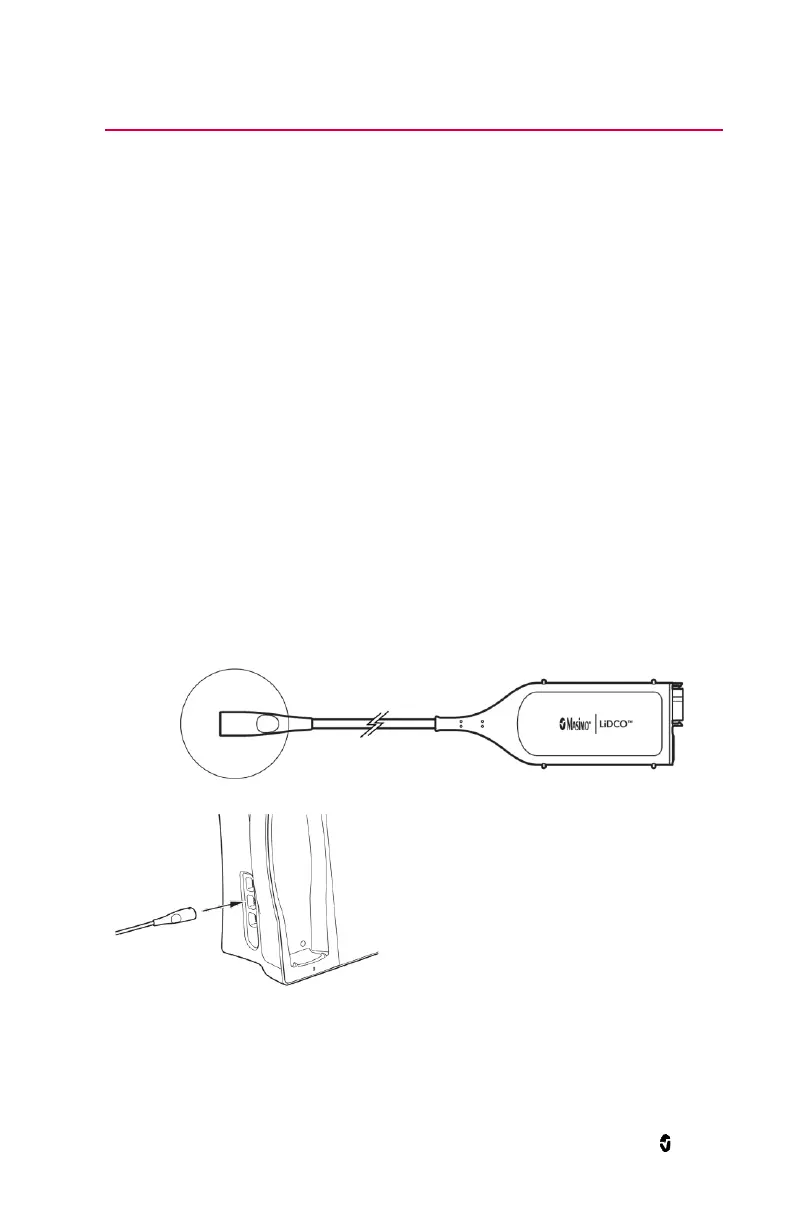
Connecting the LiDCO Module
To connect the module to the Monitor:
1. Identify the Masimo Open Connect (MOC-9) connector of the module.
2. Insert the MOC-9 connector into a MOC-9 port on the monitor.


 To Next Page