Masimo LiDCO Chapter 4: Operation
www.masimo.com 30 Masimo
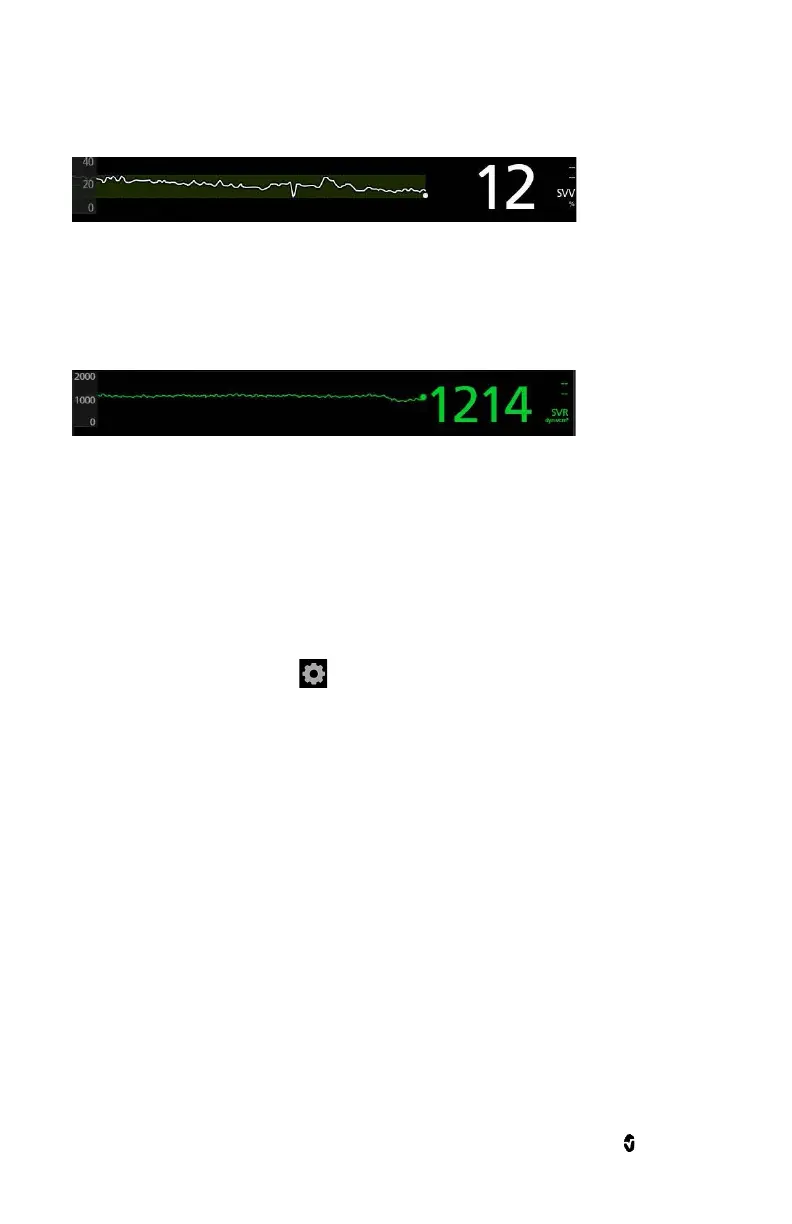
cycle. SVV is calculated over a 10 second period which contains one or more respiratory cycles. SVV is
displayed as a percentage (0-100%).
Systemic Vascular Resistance (SVR)
Systemic Vascular Resistance (SVR) reflects the resistance to flow and is calculated as the quotient of
mean arterial pressure (MAP) and cardiac output (CO) values that are calculated on a beat-to-beat basis
with units of dyne - second/cm
5
. It can be expressed as an index value (SVRi) by multiplying SVR by the
body surface area (BSA).
Parameter Settings
Parameter configuration settings provide the user access to the parameters: Sys, MAP, Dia, HR, CO,
VO2, DO
2
, SV, SVV, and SVR*.
To access a specific parameter's configuration settings
Press the parameter desired directly from the Masimo LiDCO window.
To access all parameter configuration settings
1. Press the Main Menu icon at the bottom right corner of the screen to access menu
options.
2. From the Main Menu, press the LiDCO icon.
3. Press the Parameter Settings icon.
4. Press the parameter that you want to configure.
All changes to configuration settings must be accepted by pressing OK when prompted. To decline
changes made, press Cancel.
*Masimo LiDCO has the ability to control alarm priority based on the clinical use case. When Audible
Alarms are set to Off, the alarm priority is Low. When Audible Alarms are set to On, the alarm priority is
Medium.
Sys, MAP, Dia
Alarms


 To Next Page