Masimo LiDCO Chapter 4: Operation
www.masimo.com 51 Masimo
Physio Tree
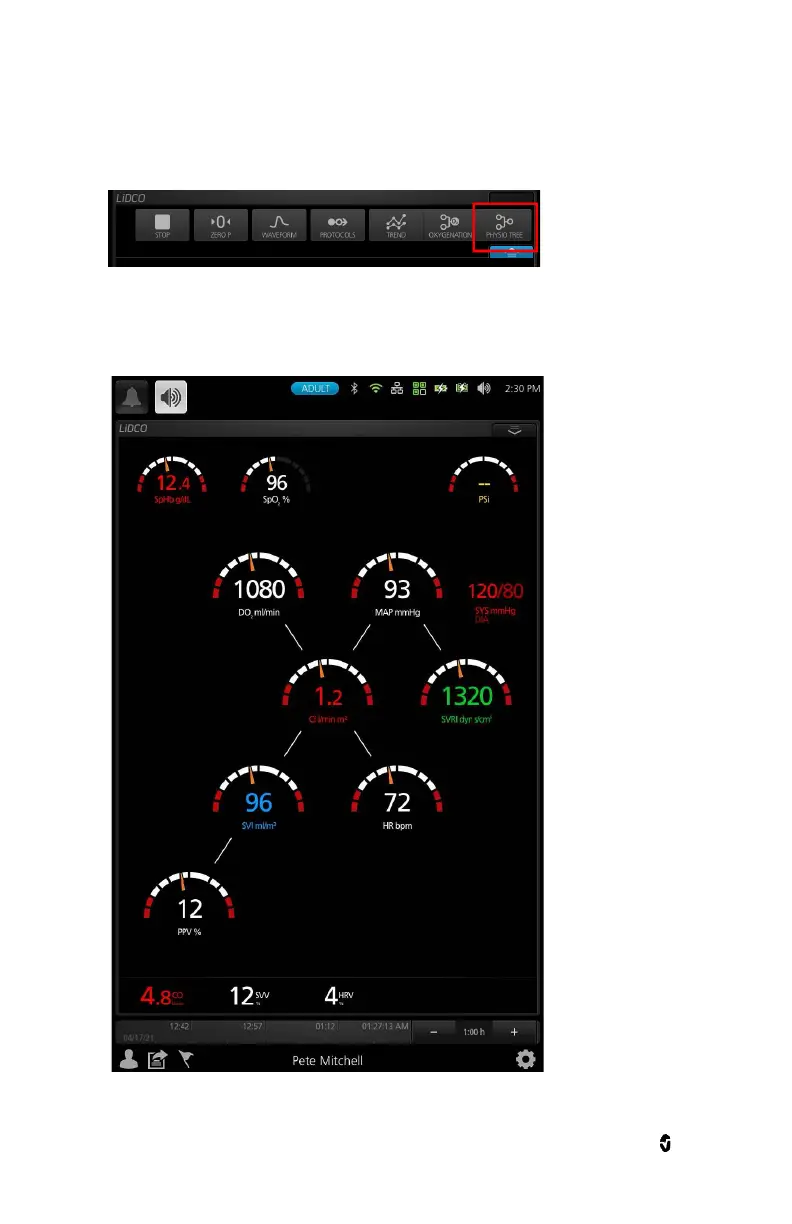
Toggle to Physio Tree view in the action menu.
The Physio Tree will always be shown and never be hidden, irrespective of the connection to a pulse
oximetry channel.
Touching SpHb and SpO2 parameters would open their manual entry menu. Touching any other
parameter would bring up their respective parameter setting.


 To Next Page