Installation & Operation Manual | HORIZON3D
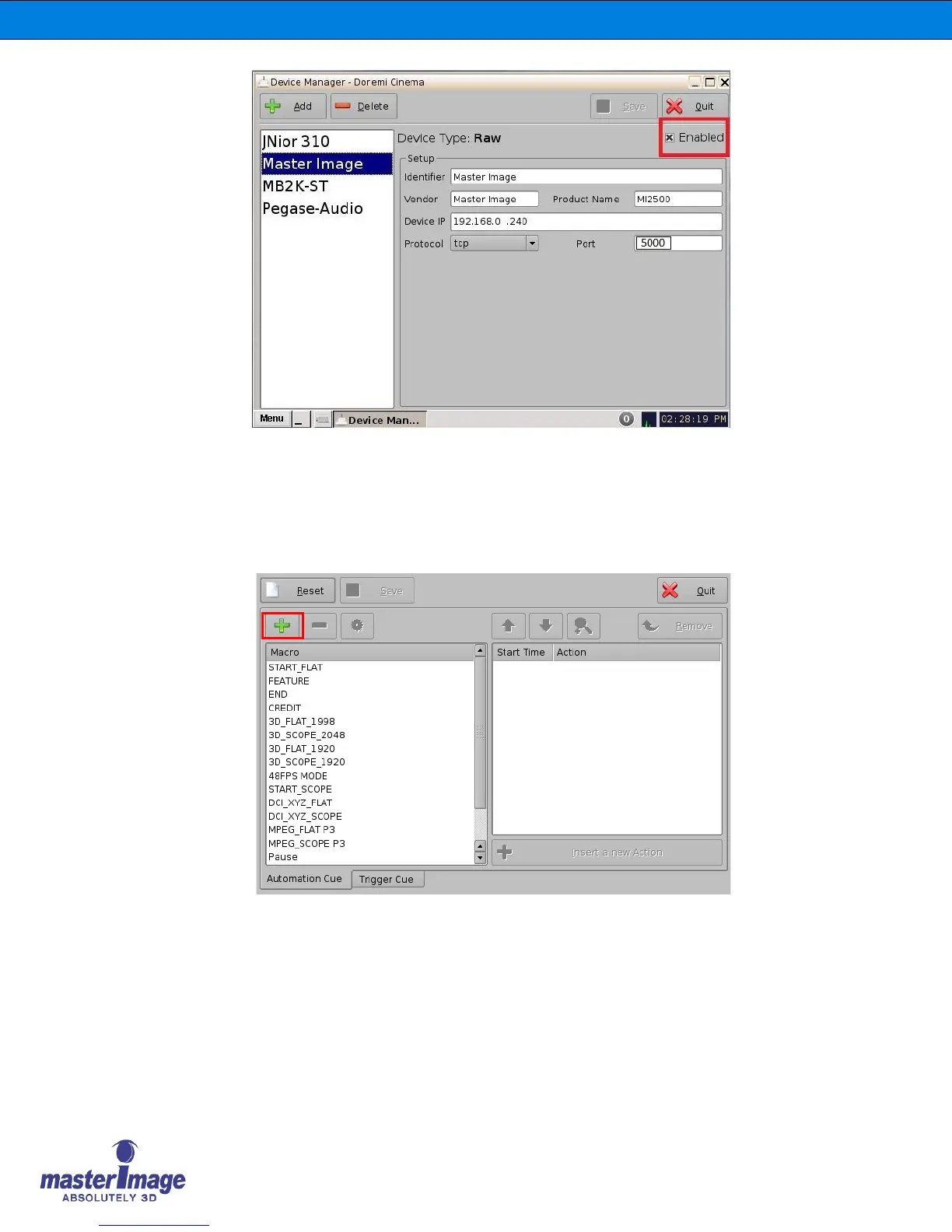
The HORIZON3D has now been successfully added into the server configuration.
It is now possible to create the macro files to enable the server to control the
HORIZON3D. The files required are: MasterImage Start, MasterImage Stop,
MasterImage 2D, MasterImage 3D and MasterImage Up/Down Stop. These are
created in the Macro Editor option of the server menu. (Menu > DTS Digital Cinema >
Macro Editor)
1. Within the Automation Cue tab click the + button to start a new macro. Replace the
default Test_Macro text with the label for one of the MI macros (for example, MI
Start).



 To Next Page