FIFE-500 MAX Narrow Web Guide
4. Menu Descriptions
4.1 SECURITY This submenu provides access to all security related menu
items. They are each described below. The security submenu is available from
all operation modes.
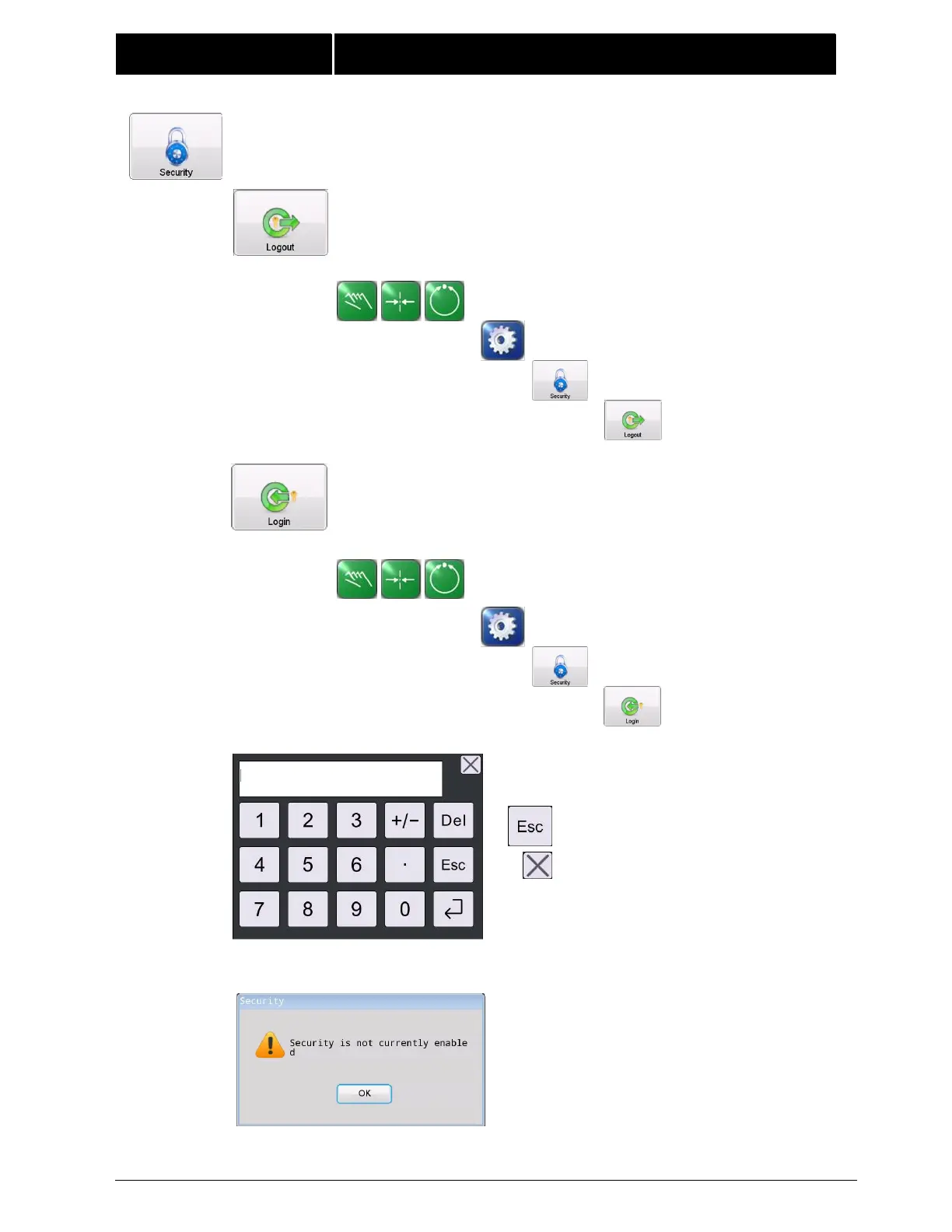
4.1.1 LOGOUT Logout sets the authorization level to one if
security is enabled.
MANUAL / SERVO-CENTER / AUTOMATIC
This button is ignored, if security is not enabled.
4.1.2 LOGIN If security has been enabled, login prompts for
numeric code entry. The authorization level is changed
according to the entered code.
MANUAL / SERVO-CENTER / AUTOMATIC
Enter the password and press the ENTER
key.
Press the ESC key,
or this button to log out.
The following message appears if security is not enabled.



 To Next Page