EasyManua.ls Logo

Maxcess FIFE-500 MAX - 4.2.4 CALIBRATE TOUCH

Maxcess FIFE-500 MAX
80 pages
Print Icon
To Next Page IconTo Next Page
To Previous Page IconTo Previous Page
Loading...
www.maxcess.com
FIFE-500 MAX Narrow Web Guide
MI 2700XXXXX 18
CHAPTER 4
CALIBRATE TOUCH
30 / 77
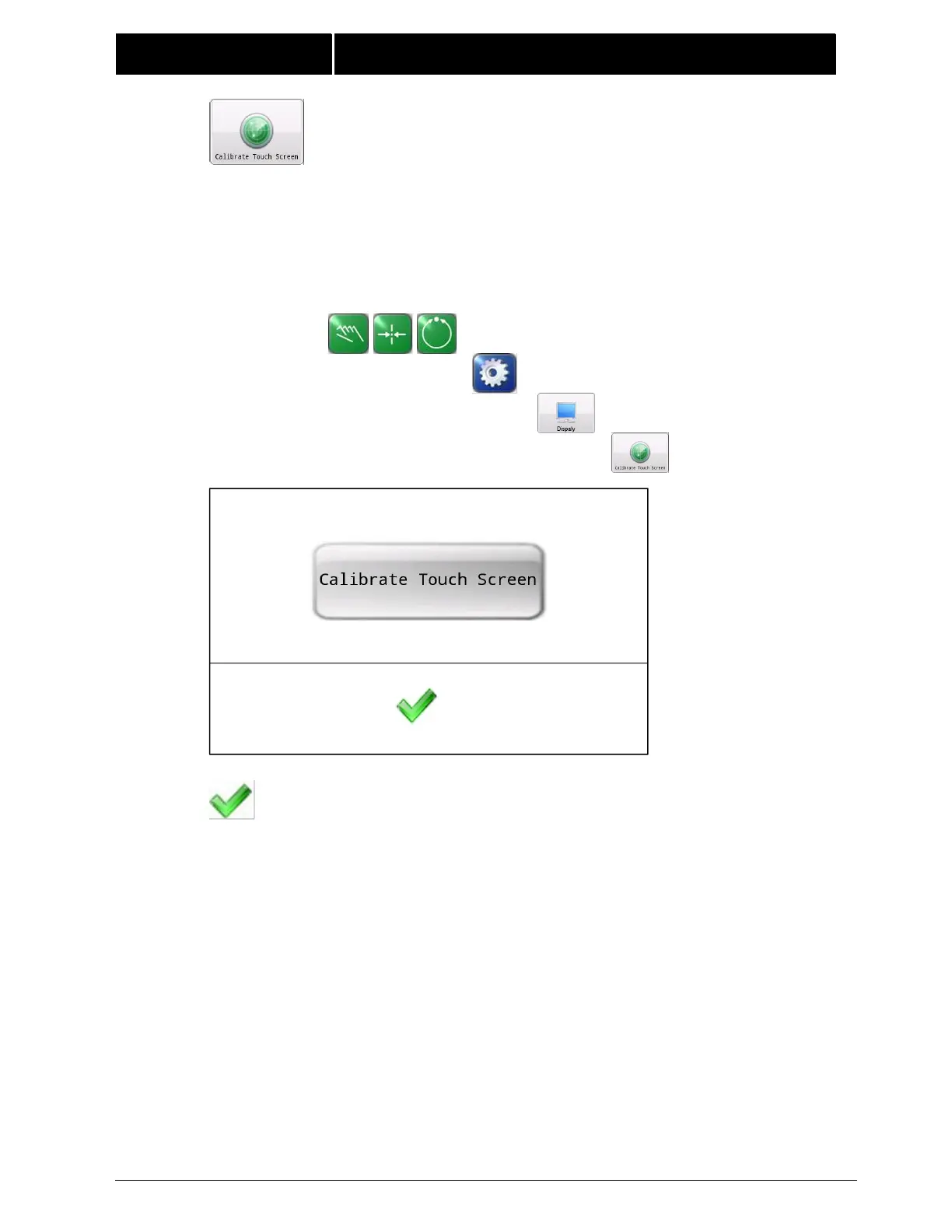
4.2.4 CALIBRATE TOUCH SCREEN Use this menu to recalibrate
the touch panel sensitivity. This is only necessary if button
reactions appear to be out of sync with the displayed button
locations. The "Calibrate Touch Screen" button will appear on the
screen, click on it then the calibration prompt appears, touch the
screen in each of the 5 locations as prompted.

Note: A stylus is recommended to improve the accuracy of
calibration.
Navigation:
MANUAL / SERVO-CENTER / AUTOMATIC
SETUP
DISPLAY
CALIBRATE
TOUCH SCREEN
Press the ACCEPT button to save calibration results.

Related product manuals