4.3.6 COM STATISTICS This menu is used to view the
communication statistics maintained by each device.
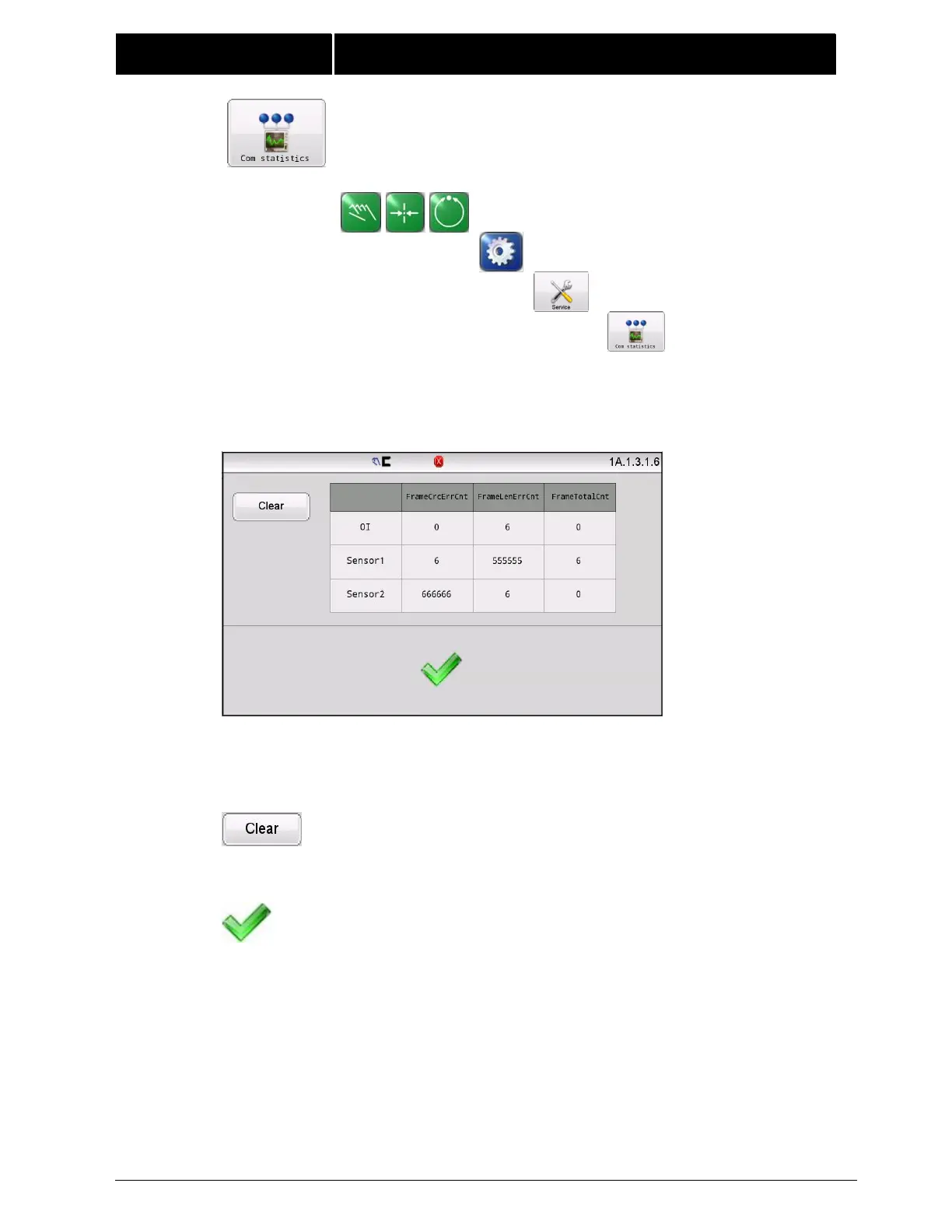
The Operator Interface displays the communication status of the control board,
including the communication data statistics of the control board with the OI,
sensor 1, and sensor 2. The COM STATISTICS screen shows a live update of the
running network communication statistics as shown in the following example.
FrameCrcErrCnt: Indicates the total number of packets with verification errors;
FrameLenErrCnt: Indicates the total number of packets with length errors;
FrameTotalCnt:Indicates the total number of packets normally communicated.
The “Clear”button is used to cleans up the current communication
data.



 To Next Page