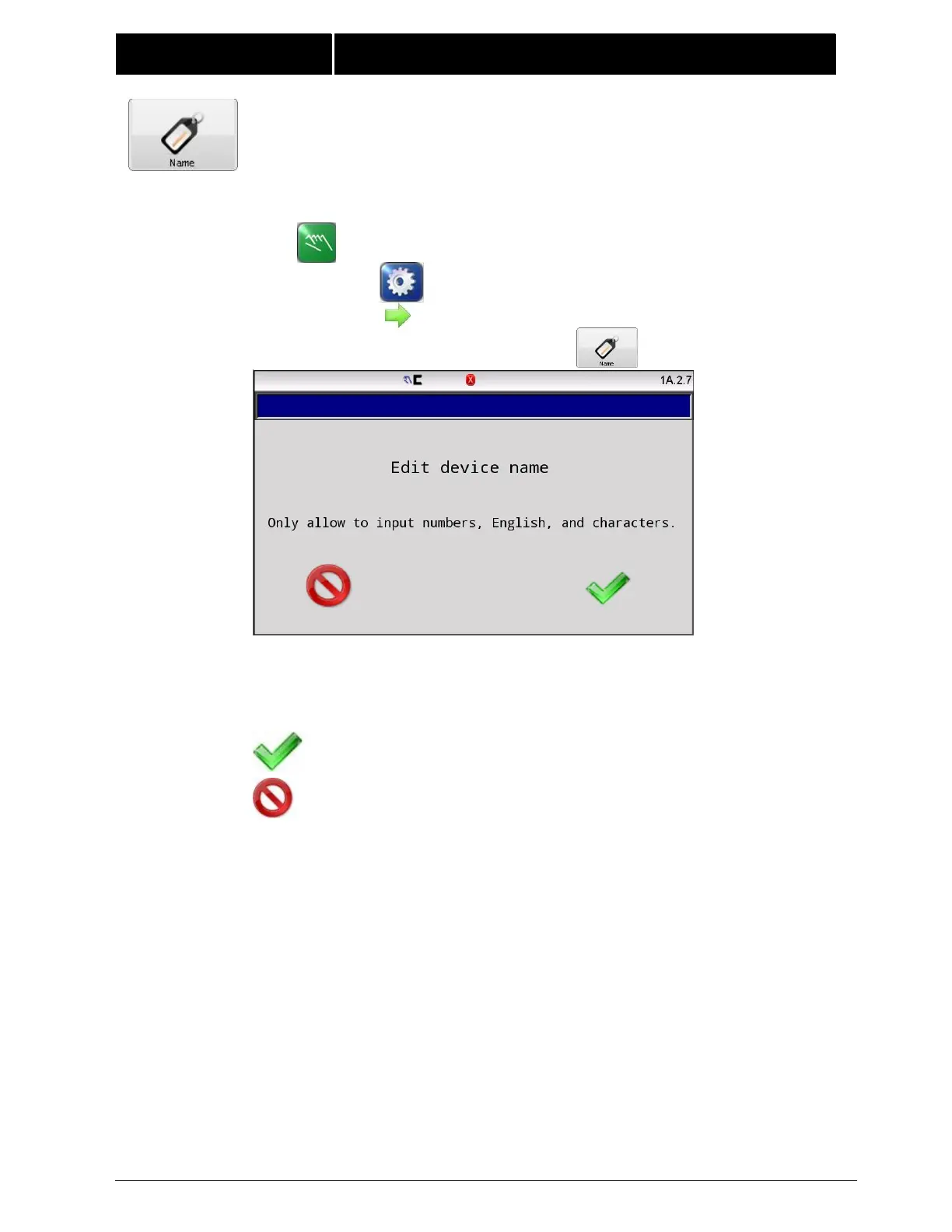
4.15 NAME Use the name menu to enter a drive name. The specified
name can be 16 characters or less and is displayed on the Operator Level
screen. This can be useful in a networked environment to identify the
connected drive.
Enter up to 16 characters to describe the drive.
Edit functions include:
Del – Delete characters to the left of the cursor.
Press ACCEPT to save changes made to this screen.
Press CANCEL to exit without saving any changes.
Note:Only allow to input numeric, English, and characters.



 To Next Page