FIFE-500 MAX Narrow Web Guide
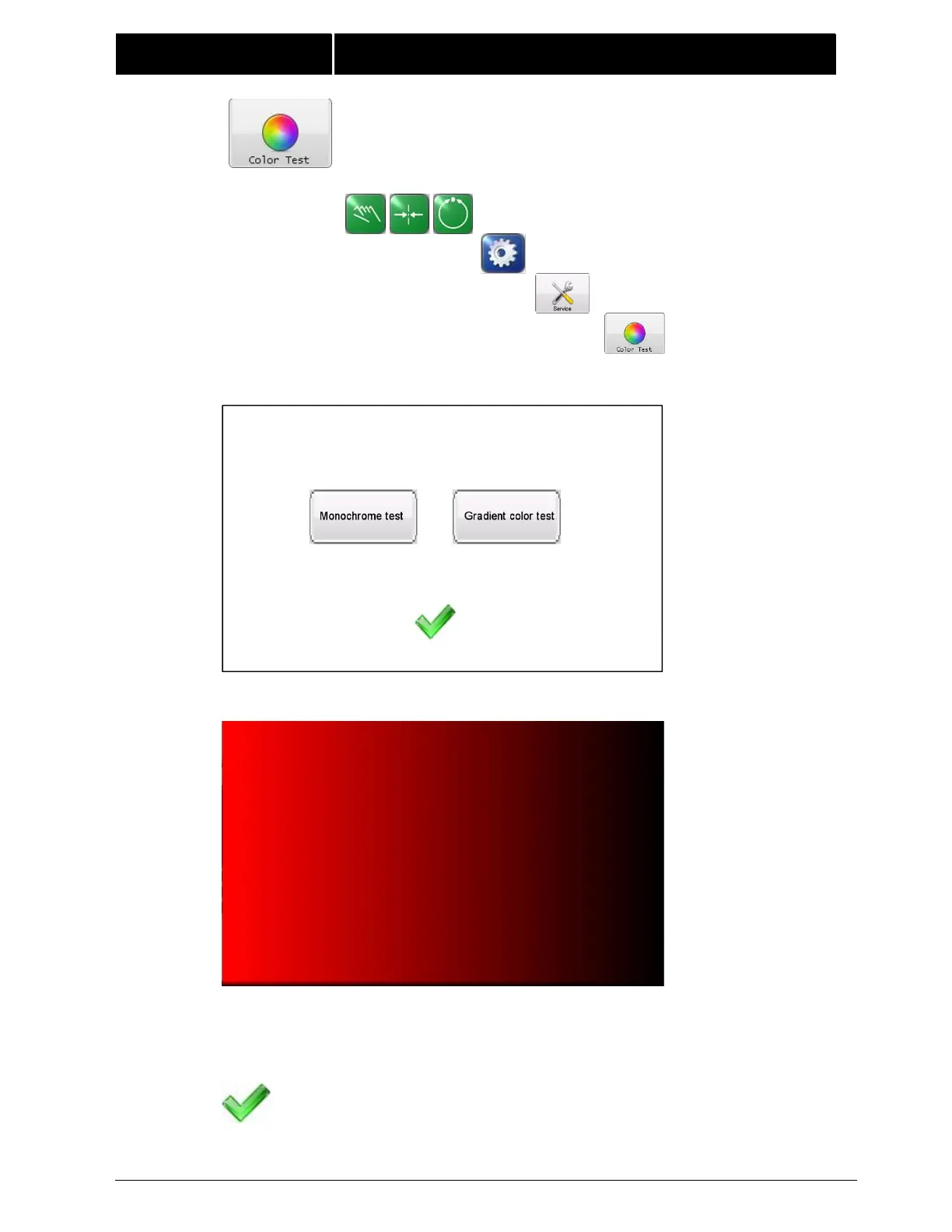
4.3.4 COLOR TEST This menu is used to detect if the screen
has bad dots, wrong rows or pixel dots, abnormal colors, and
similar problems by displaying the screen in different colors.
MANUAL / SERVO-CENTER / AUTOMATIC
You can click to select monochrome test or gradient test.
You can see 6 screen colors for each test.
Each click on the screen will switch one color until the last one, and then click
again to exit the color test interface.
Press the ACCEPT button to return to the previous screen.



 To Next Page