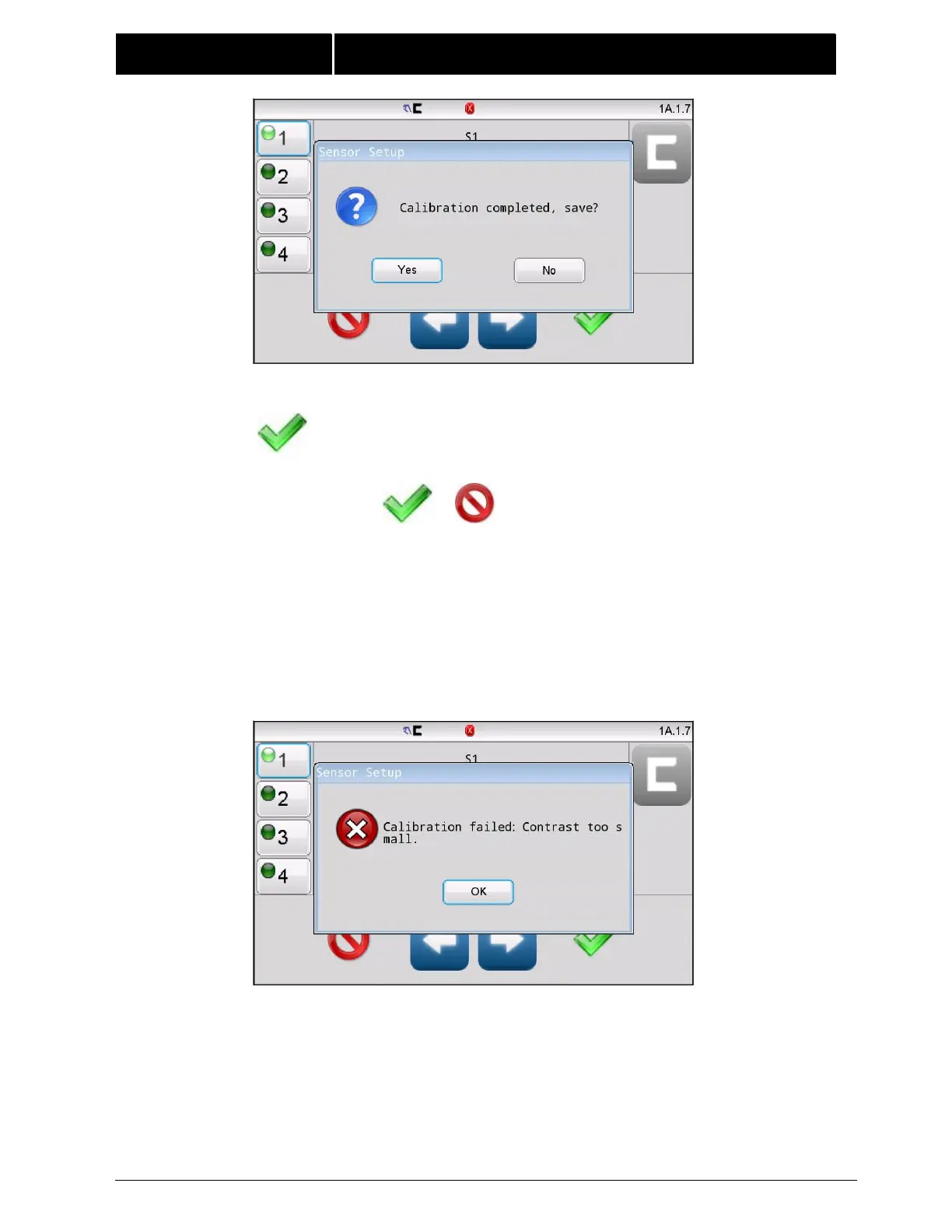
Press YES to save and close this window.
If other calibrations (ie: the opposite sensor channel) need to be
done, proceed with selecting it and repeat the calibration process.
Otherwise, Press or to exit and return to the previous screen.
Note: The result will be permanently saved after a successful calibration has
been completed. Exiting this menu with the CANCEL button will not restore
this calibration to its previous setting.
If the sensor signal difference between the uncovered and covered states is
too low, the web opacity is beyond calibration compensation and the
message shown below will be displayed.



 To Next Page