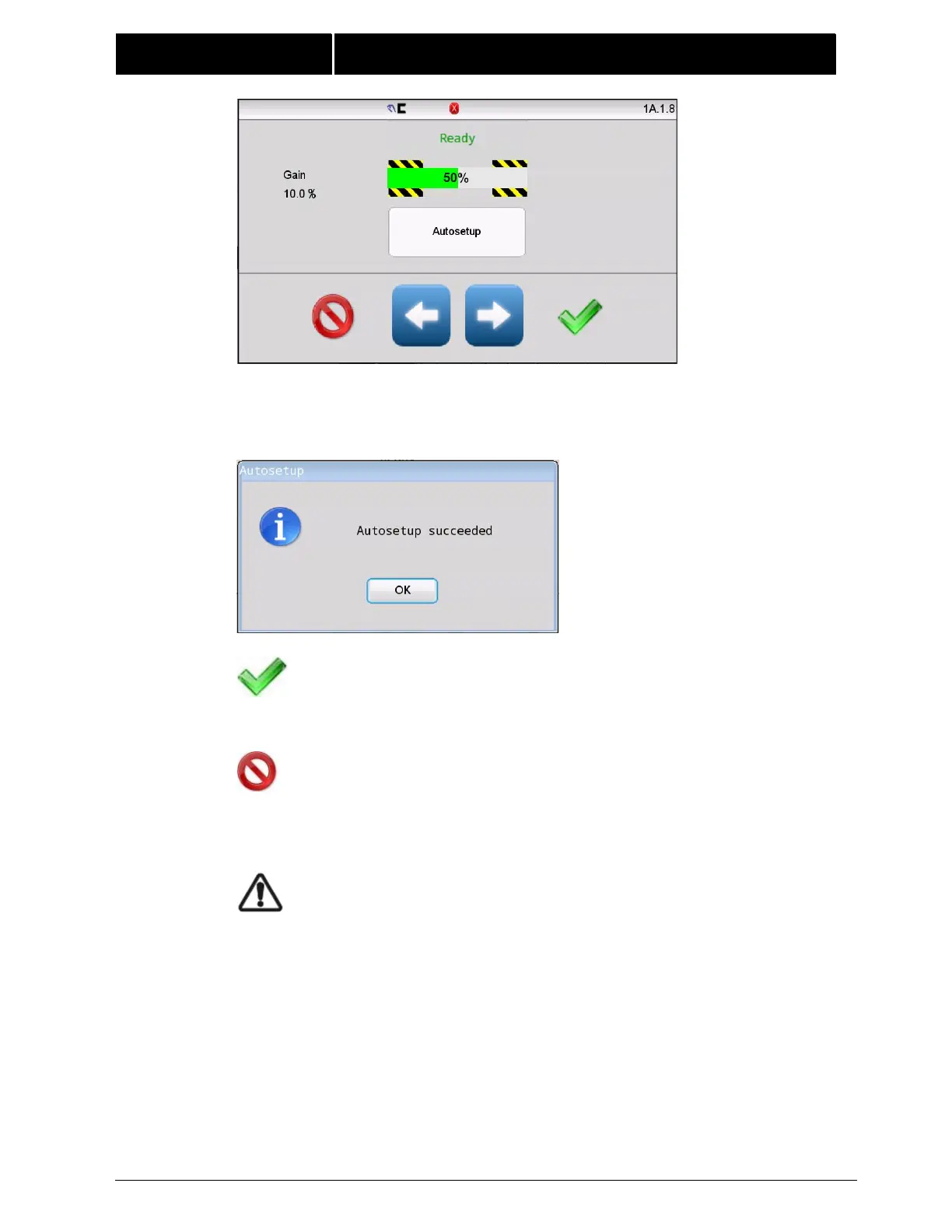
Press the Autosetup button to start. The guide will move a short distance as it
completes the auto setup process. Successful completion is indicated by the
message shown below.
Press OK to close this window.
Press ACCEPT to return to the previous screen. The gain and
polarity settings are stored automatically when auto setup
completes.
The gain and polarity settings are stored automatically when
auto setup completes. Pressing the CANCEL button does not restore
previous gain and polarity settings.
WARNING – Death or injury can result from unexpected
movement.
Auto setup operation causes guide movement. Take
appropriate precautions to ensure no one is in the vicinity
of the guide path of travel.
Note: For most installations, the Auto Setup routine sets the system
gain at the proper level for good guiding performance. However, in
some applications, for optimum guiding performance, it may be
desirable to adjust the system gain, manually. Refer to “Gain” in
section “Menu Descriptions” in this document.



 To Next Page