FIFE-500 MAX Narrow Web Guide
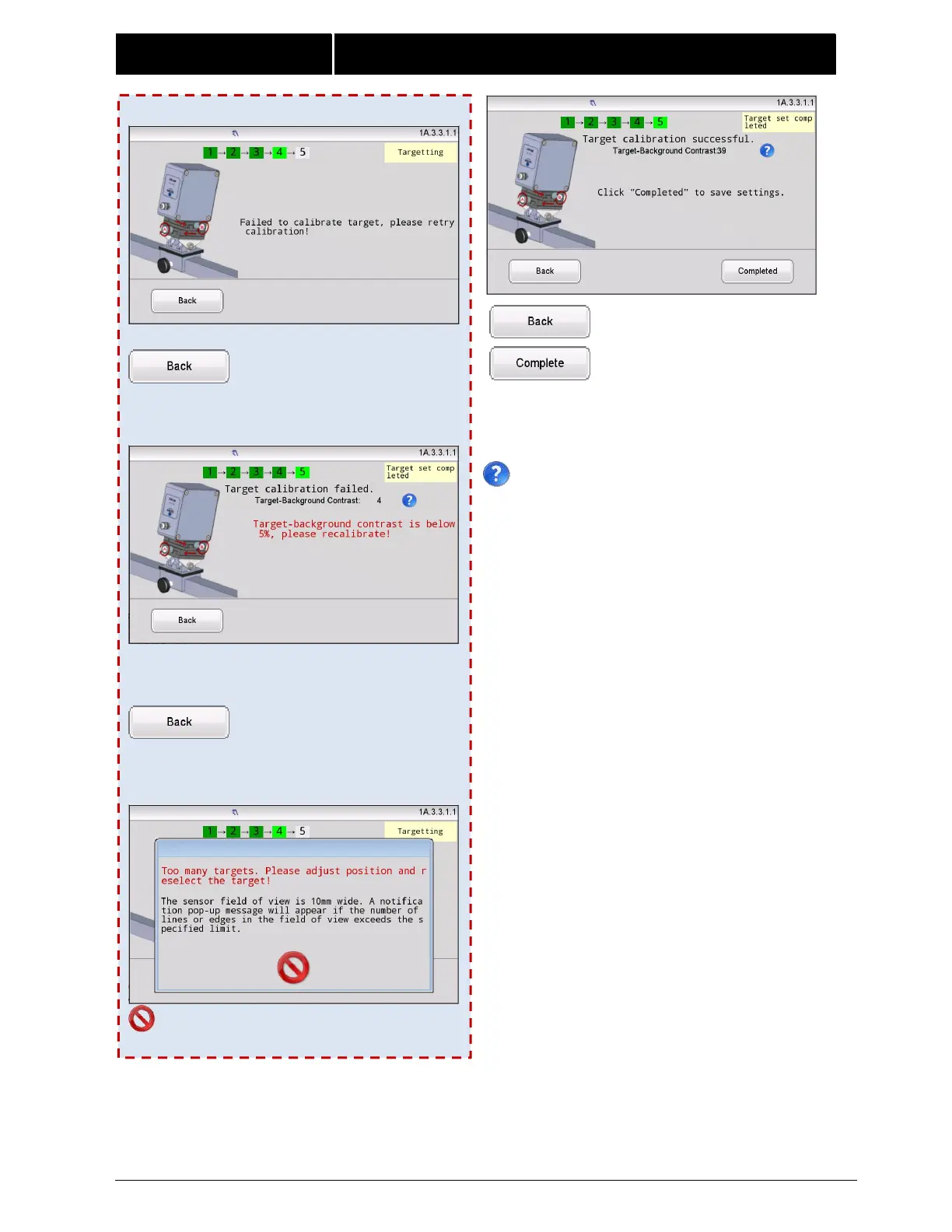
Calibration failed.
Click to return to Step3.
Possible Error 2:
Target-background contrast is below 5%,please
recalibrate.
Click to return to Step3.
Possible Error 3:
Exit and return to Step3.
Note:
Click this icon for an explanation of Target-
Background Contrast.
These are target and background gray values,ranging
from 0 to 100.Larger values indicate higher contrast
between target and background colors which produces
better target recognition.
Click to return to Step3.
Click this button to start
running.



 To Next Page