McHale V Series Baler
71
7.3 Net or twine
The standard binding material for this machine is net, with the ability to handle twine as
an option if the machine is fitted with a twiner. This operator manual focuses on the use
of net only. For operators using twine, there is a separate supplementary twiner manual
CLT01169.
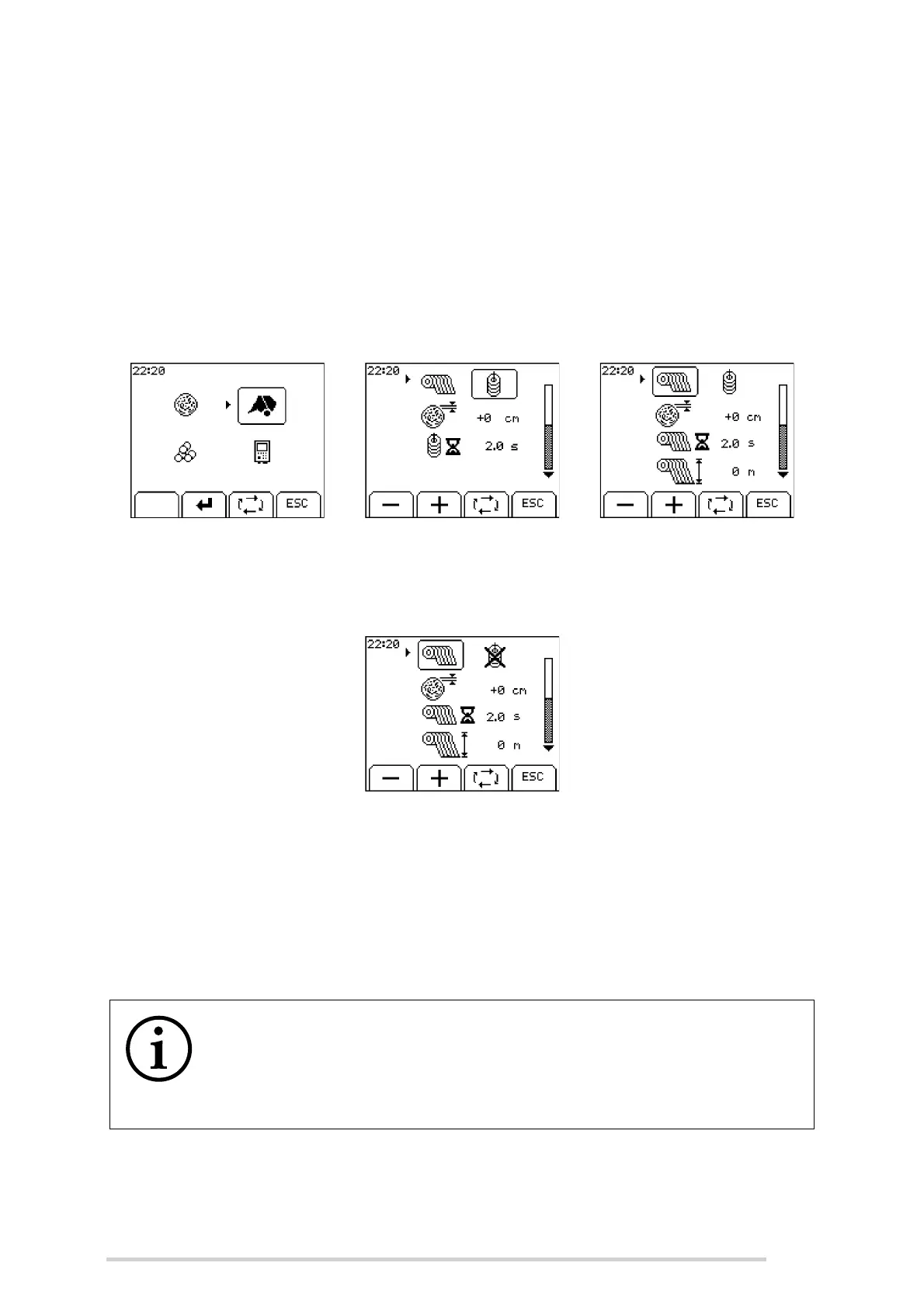
If the control unit detects that a twiner has been fitted to the machine, then the operator
will be able to select either net or twine. To turn on the net option, press menu
(button 14) and select machine setup. Then, use the toggle button to select net.
NOTE: If a twiner is not fitted to the machine, then by default the twine setting will be
crossed out with an X and will not be selectable. In this case, only net can be selected.
7.4 Control box features
When the control box is first switched on it displays either ‘McHale V6’ or ‘McHale V8’
along with the machine model and software version number.
After a short delay, the working display appears. The working display features an
image of the machine, which is surrounded by general working information.
Select machine setup menu Twine selected Net selected
NOTE: The four softkey buttons are used for multiple functions
The four softkey buttons are used for multiple machine functions and
menu navigations. Their function changes depending on the current
screen and relates to the corresponding symbol directly above each
softkey, across the bottom of the screen.



 To Next Page