Docking and undocking
Before docking into or undocking from the keyboard
Make sure you have safely disconnected any USB device
connected to the USB port on the tablet. Please refer to the
device’s manual on how to do so.
Before trying to undock your tablet, please turn off your tablet and
then waiting at least 10 seconds.
Docking into the keyboard
1. Hold your tablet with the button side facing the dock.
2. Gently press and insert the tablet into the docking connector
on the dock.
3. When you hear a click sound, it means the tablet is
successfully docked.
Undocking from the keyboard
1. Turn off your tablet
2. Set your tablet laptop on a stable surface. .
3. Hold the screen and detach the tablet by pulling it upward.
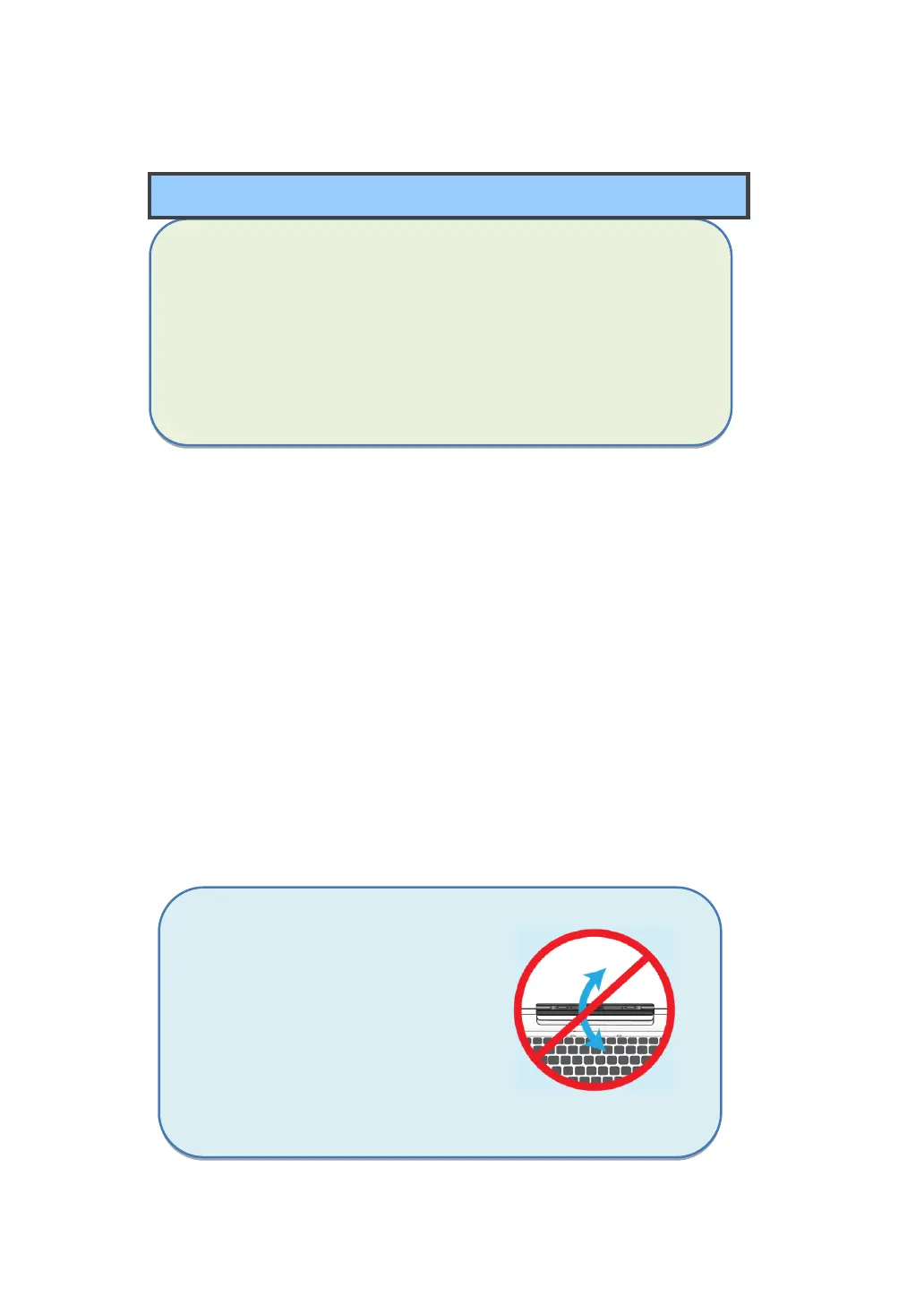
Note: The tablet connector
on the dock will be
locked at the position
where you undock
your tablet. Do not try
to turn the connector,
or you might break it. It
can be unlocked only
by docking your tablet.



 To Next Page