Adding a Wi-Fi network
If you want to access a Wi-Fi network that does not broadcast its
network name (also called a service set identifier or SSID), you must
add that Wi-Fi network before you can connect to it.
To add a Wi-Fi network, touch this icon which you can
find in the upper right corner of the screen.
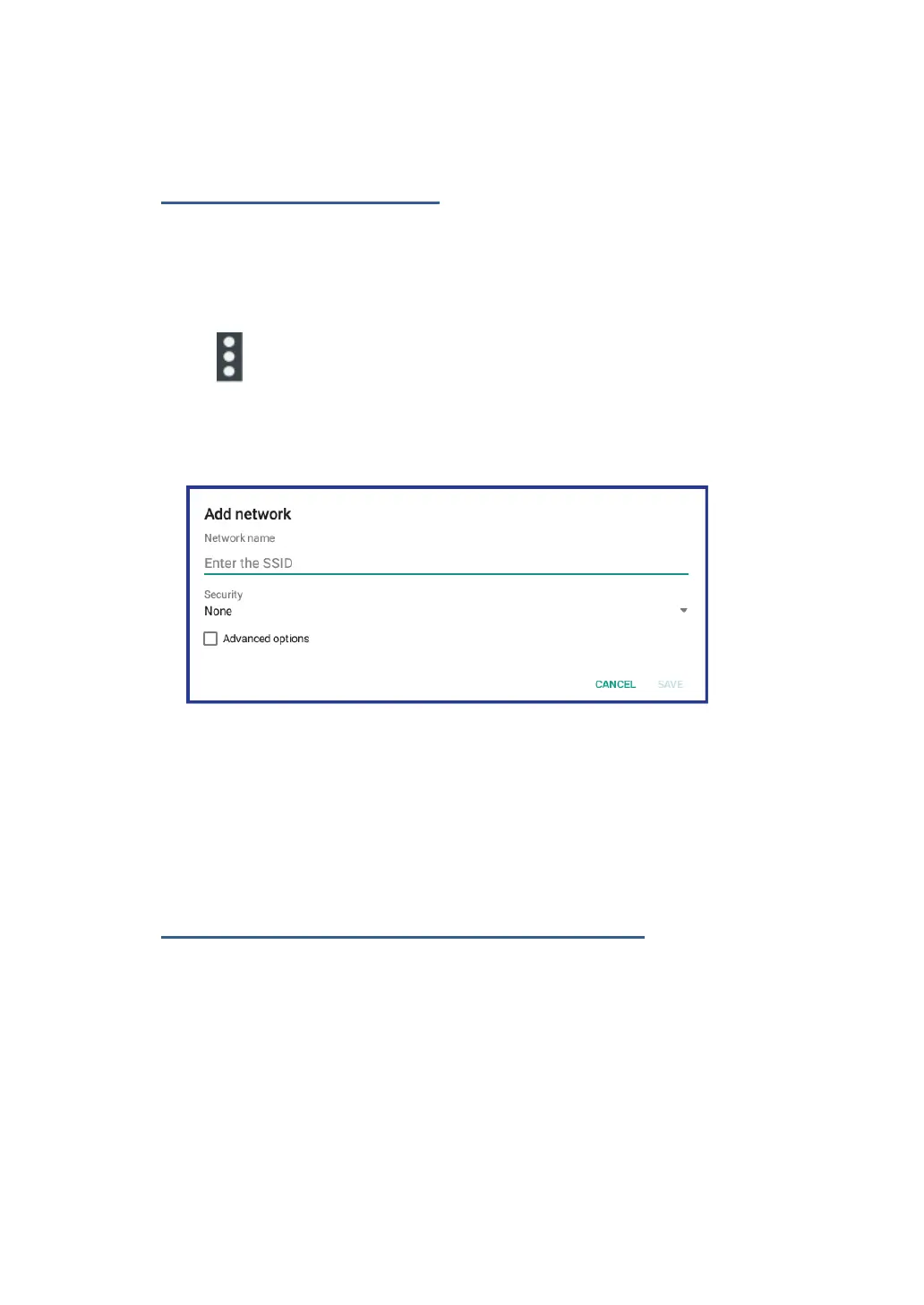
This will open an options menu, and select “Add network” to open the
dialog box as shown below.
Type the required information for the network and touch Save. By
doing so, the information about the network is saved. The Wi-Fi
connection will be established automatically the next time you come
within the range of this network.
Disabling an automatic Wi-Fi connection
If you do not want the tablet to automatically connect to a specific
Wi-Fi network that you have previously configured, do the following
with the Wi-Fi screen:
1. Switch the Wi-Fi button to ON if it is set to OFF.
2. Touch the name of the Wi-Fi network. The Wi-Fi status panel
appears.



 To Next Page