• Power off your tablet if the tablet will not be used for a while.
1. Press and hold the power button until the Power off menu is
displayed.
2. Touch Power off.
• Use the new GPS feature
Many apps -- not just the mapping types -- have recently found a way
to consume your battery life as they work to pinpoint your location.
You can solve this issue with a Battery Saving GPS mode to minimize
the number of reference points used to find your location.
To enable this mode, head to Settings > Location > Mode, and
enable Battery Saving.
Checking the battery status
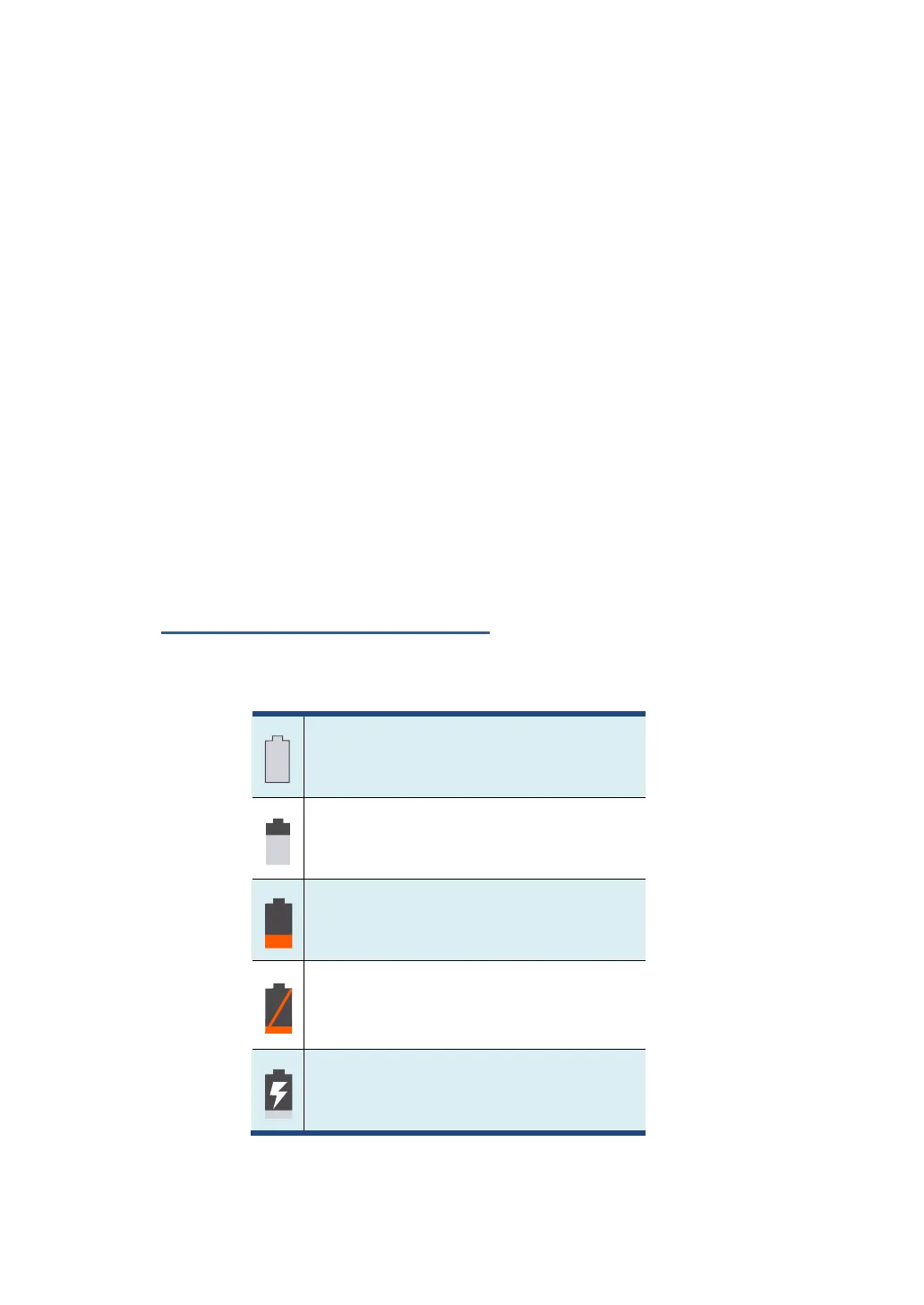
Get the approximate status of your battery at any time by checking
the battery status icon on the status bar.
Battery is starting to drain
Battery is low, and you should
charge it soon.
Battery is about to completely
drain, and you should stop using your
tablet and charge it at once.
Battery is being charged.



 To Next Page