Replacing Desktop with Start screen
If you are more familiar with the interface similar
to the Start screen introduced in Windows 8
series, you can set your tablet to show the Start
screen instead of the Desktop every time when
you power on your tablet. To do so, do the
following steps:
1. Open the Settings screen.
2. Select <Personalization>.
3. In the Personalization screen, enable the option <Use Start full
screen>
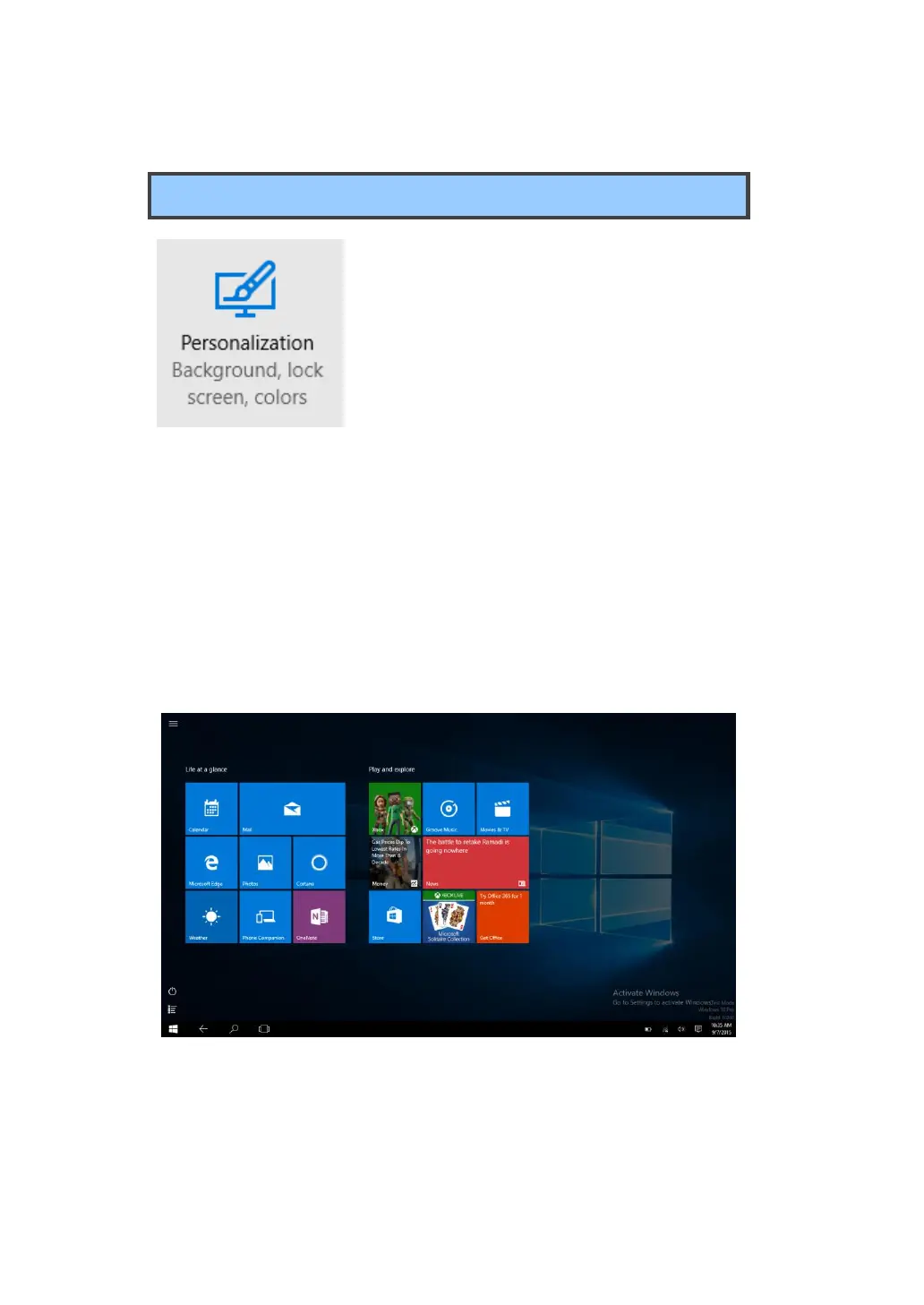
After these steps, you will see the Start screen every time you turn on
your tablet, as shown below.



 To Next Page