Power button operations
Locking your tablet to sleep
If you decide to leave your tablet for a while and intend to return soon,
rather than powering it off, you can lock it to sleep by a brief press on
the power button. This will block out any operation on your tablet until
you press the power button again. This is also considered the best
way to save power.
Waking your tablet
Your tablet may also lock itself automatically if it is not being used for
a specific waiting time. The waiting time can be specified in the
Setting page.
To wake your tablet, press the power button.
Turning off your tablet
To turn off your tablet, follow these steps:
1. Press and hold the Power Lock button.
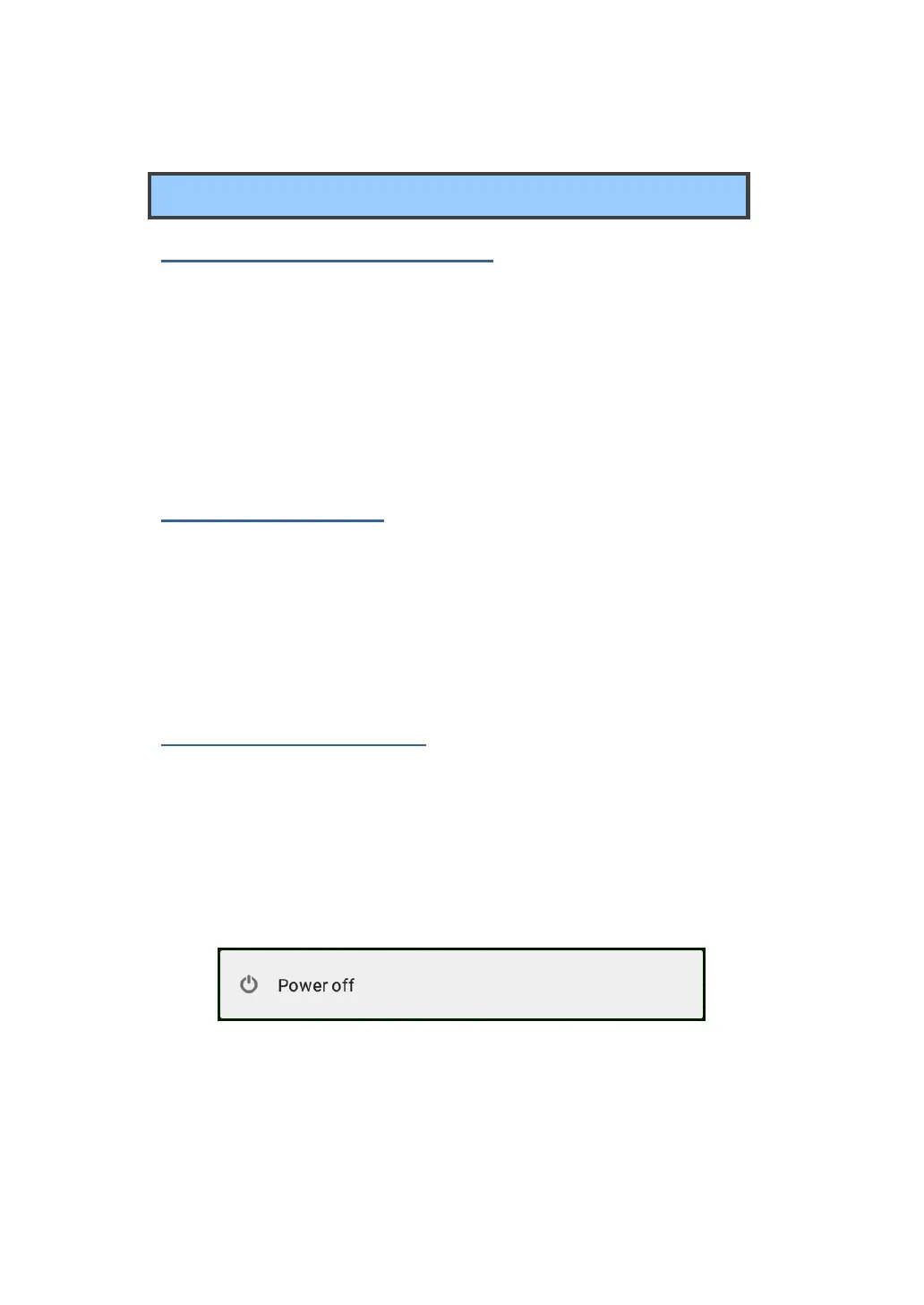
2. The Power-off confirmation menu appears. Touch the menu to turn
off the power (or touch elsewhere on the screen to continue using
the tablet).
3. Your tablet will start powering off itself.



 To Next Page