Touchscreen Operations
The most common methods are tapping and typing on the
touchscreen directly with your fingers. In this section, you will learn to
do this both ways.
Finger gestures
Most of the operations when using your tablet are done through the
touchscreen with your fingertips. The most common fingertip
operations, which we call “gestures”, are as follows:
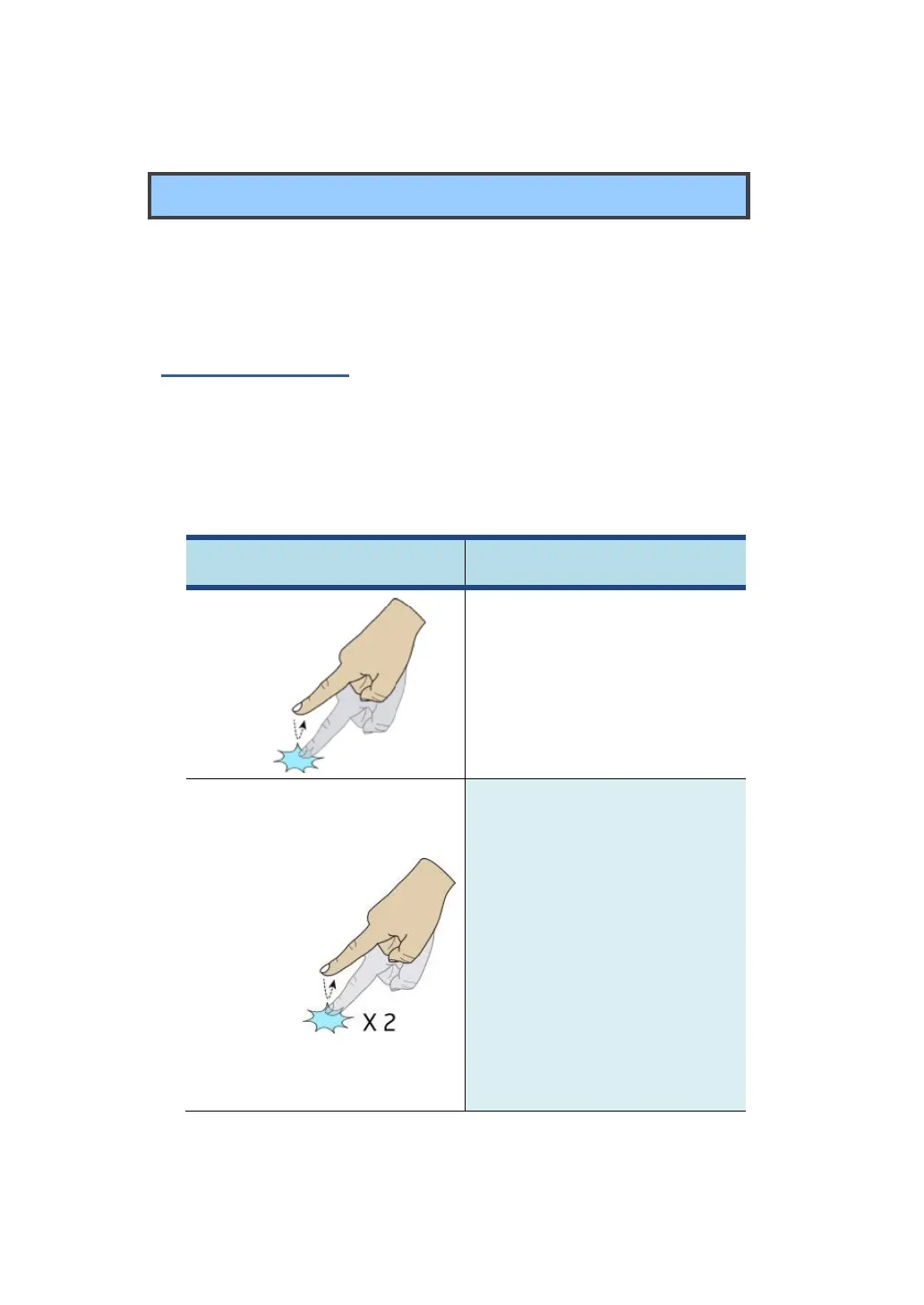
Tap the screen once to open
items and select options.
Tap the screen twice in the same
location. When viewing an image
or a map, double-tapping can be
used to zoom in and also zoom
out. In this case, it is
recommended that you use the
zoom-in or zoom-out gesture (as
shown later in this table) instead
when you want to zoom.



 To Next Page