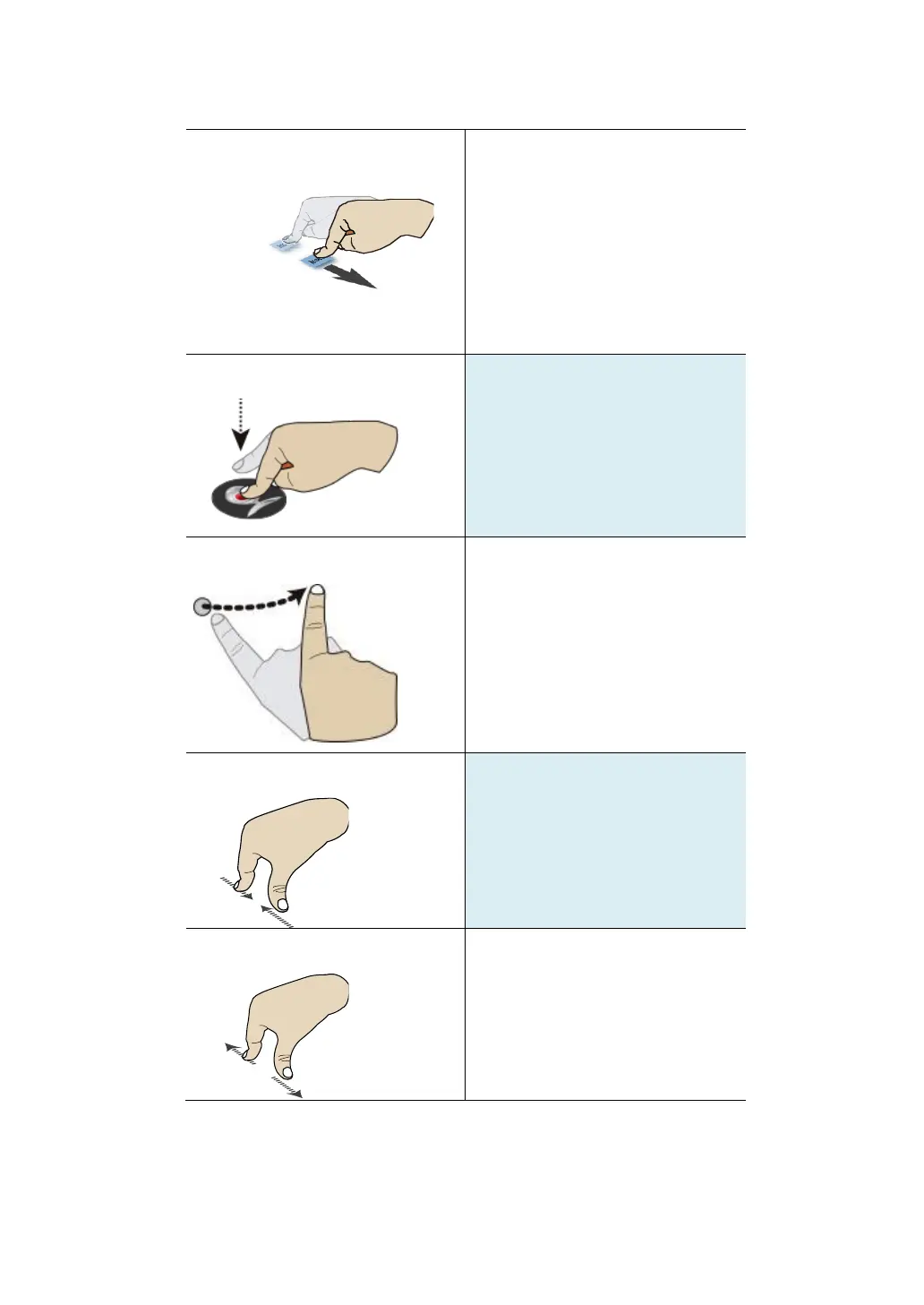
Keep your finger touching the
screen and drag across the
screen toward the direction you
desire. Use this gesture
whenever you want to select text
or move icons.
Long touch an item to see a list
of actions available for that item.
Swipe your finger in a vertical or
horizontal direction on the
screen to scroll through Home
screens, Web pages, lists,
picture thumbnails, and so on.
Start out with two fingers
separated and then bring them
close together.
Start out with your fingers
together and then spread them.



 To Next Page