Basic touchpad operations
The touchpad works like a traditional mouse. With it, you can move the
cursor and perform left-click, right-click, double-click actions. However,
the actual available actions are application dependent.
Left-clicking (or Clicking)
Tap once on the touchpad surface or press
once on the low-left corner of the touchpad.
Press once on the low-right corner of the
touchpad.
Press and continue to hold down the left
corner and then move (drag) your finger
across the touchpad surface.
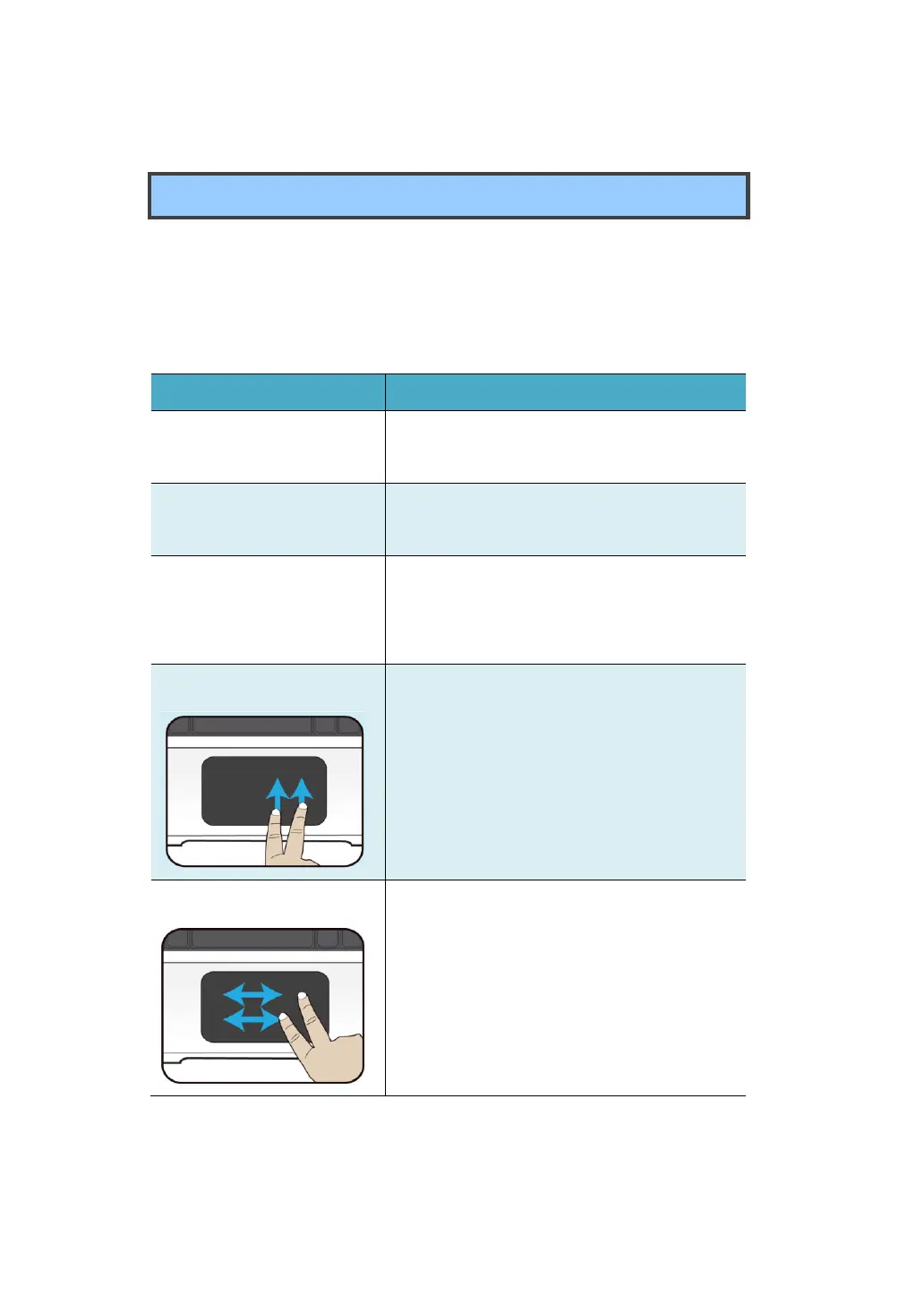
Drag two fingers vertically on the touchpad.
Drag two fingers horizontally on the
touchpad.



 To Next Page