is:
This is the menu icon. Touch it to show
more setting options.
Changingyour Bluetooth name
1. Run the Settings app and turn on the Bluetooth button if it is
disabled.
2. Touch Bluetooth.
3. Touch the menu icon and touch Rename the device.
4. Type a new name, and then touch Rename.
Pairing with a Bluetooth device
To exchange data with another Bluetooth device, pair your tablet with
the Bluetooth device by doing the following:
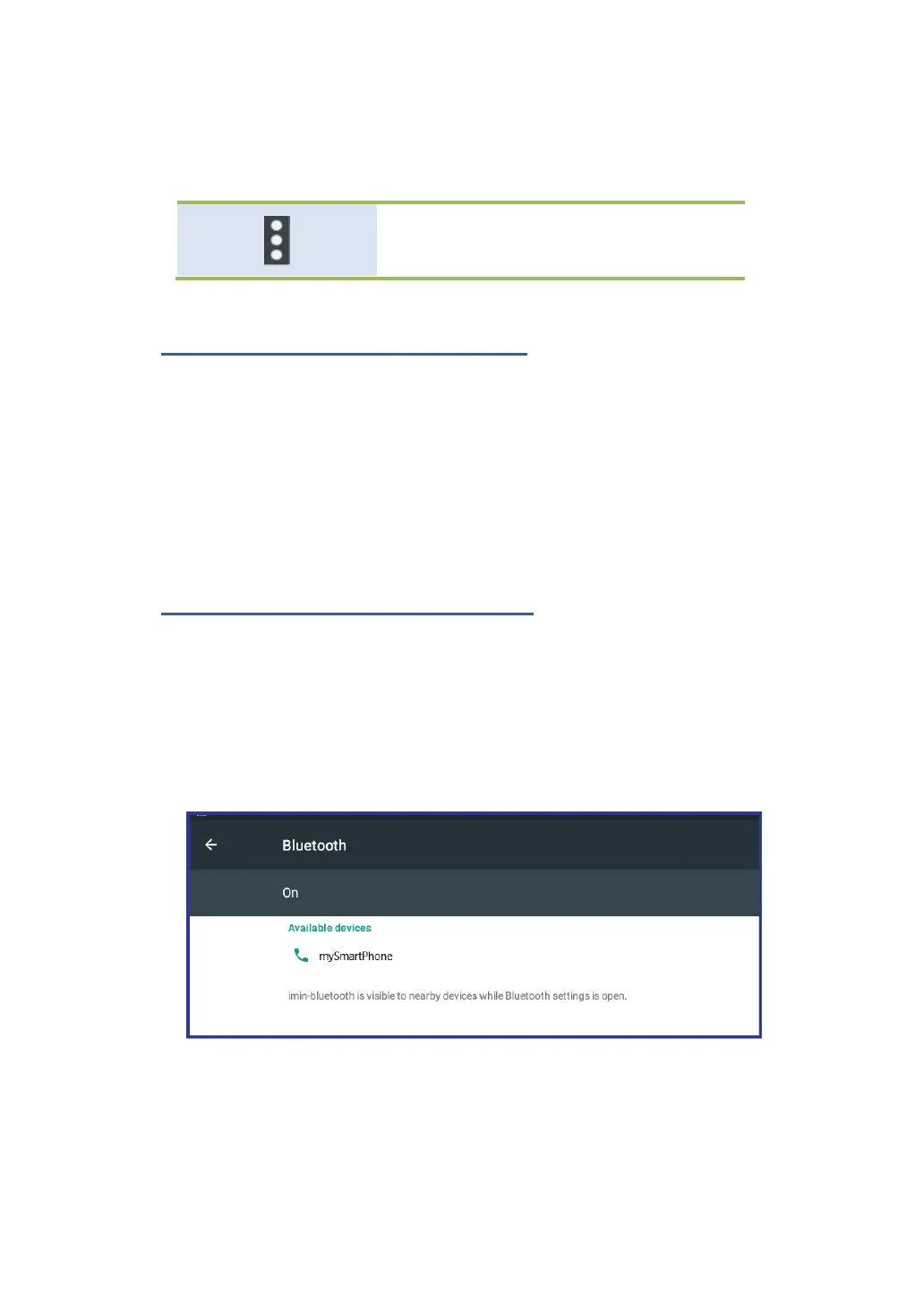
1. Open Android Settings and turn on Bluetooth if it is disabled.
2. A list of device IDs is displayed in the column named “Available
devices”.
3. Touch the ID of the Bluetooth device you want to pair with and
follow the instructions on both devices to pair them.



 To Next Page