Pin and unpin your app
Pinning an App to Start menu or taskbar
To add an app:
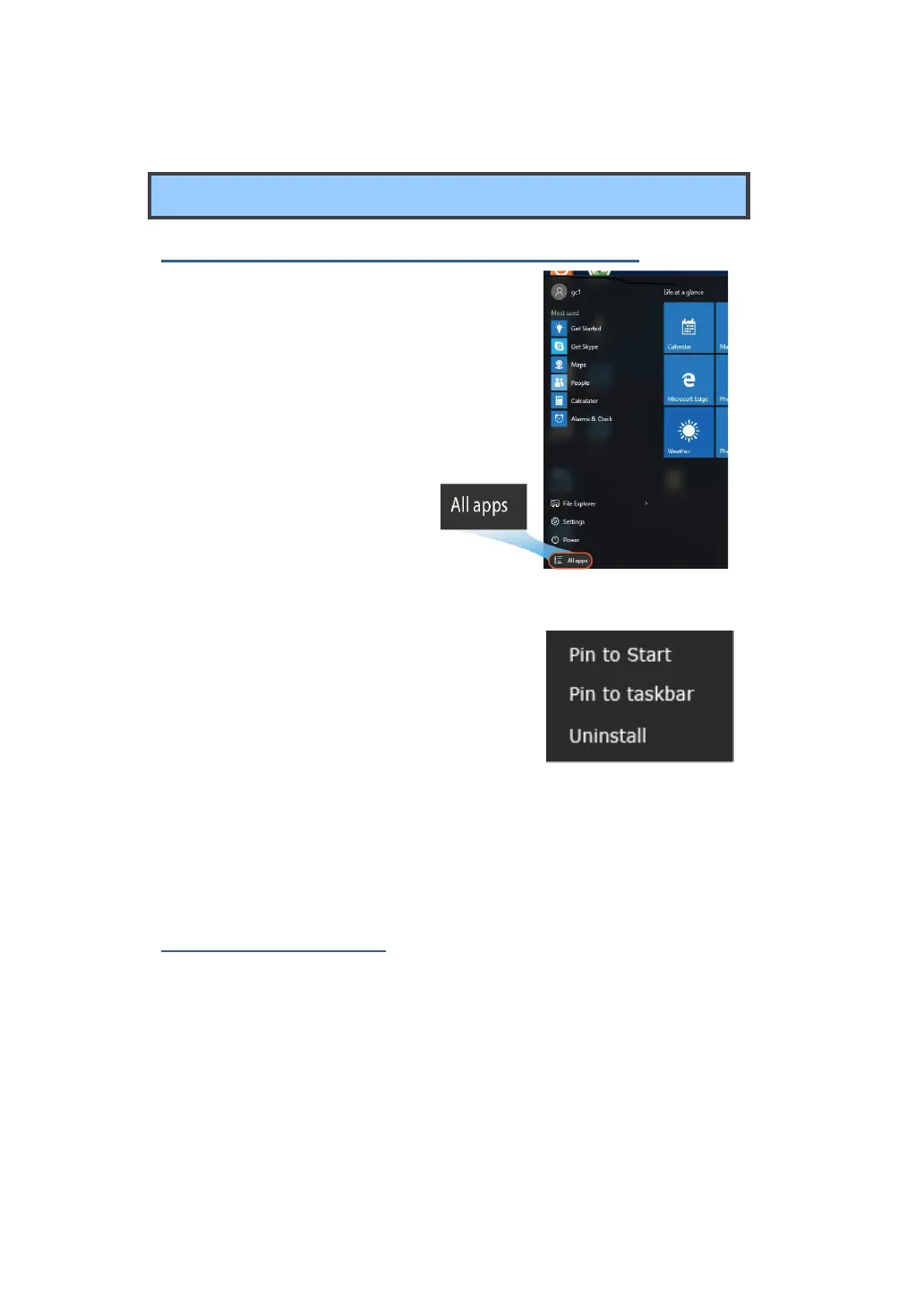
1. O
pen the Start menu and
select <All Apps> .
2. Right-click on the app that you want to
appear on your Start menu or taskbar, and
an option menu appears.
3. Click <Pin to Start> or <Pin to taskbar>to add the app to your Start
menu or taskbar .
Removing an App
To remove an app:
1. Right click the app that you want to remove from your Start menu or
taskbar.
2. Click <Unpin from Start> or <Unpin from taskbar> to remove it from
your Start menu or taskbar.



 To Next Page