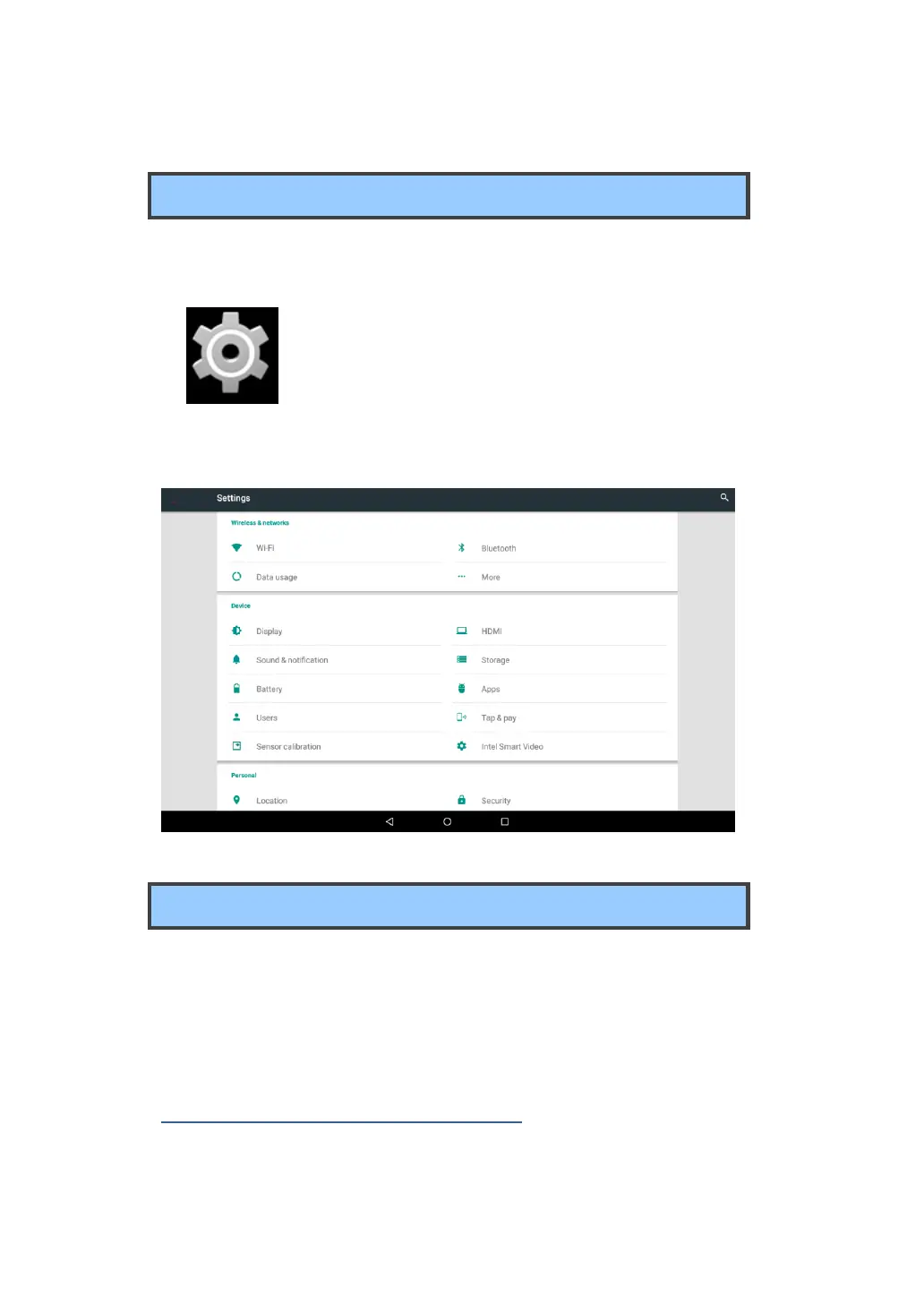
Settings screen
In Android system, the system setup is done using an application named
“Settings”. This is the app to open the Settings screen.
This is the icon of the Settings app, and you can find
it in the All Apps screen. To open the All Apps
screen, touch the All Apps icon which you can find
in the Home screen.
Wi-Fi networks
A Wi-Fi connection requires access to a functioning Wireless Access
Point (WAP), also called a hotspot. Some hotspots are open to the
public, but some others implement security features to limit access to
specific groups or individuals.
Connecting to a Wi-Fi network
To establish a Wi-Fi network connection, do the following:



 To Next Page