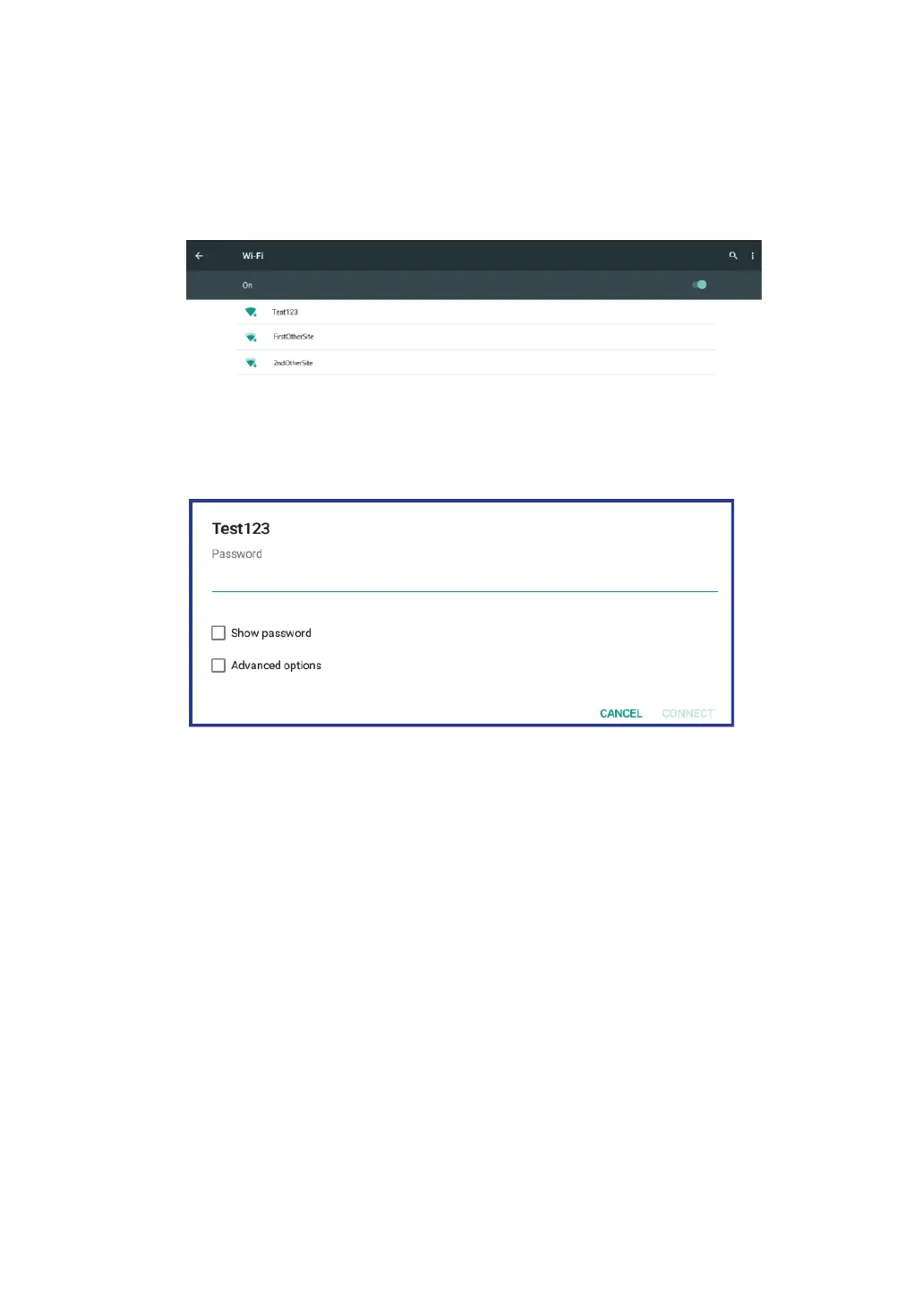
1. Open the Settings screen and set the Wi-Fi button to ON. A list of
available networks will be displayed.
2. Touch a Wi-Fi network to connect to it. If the network is secured,
type the required password or other credentials.
3. If you are required to configure proxy settings when you are
connecting to a Wi-Fi network, do the following:
a. Touch a network in the list of Wi-Fi networks you've added. A
dialog appears.
b. Touch to add a check mark on the option “Advanced options”.
If you don’t see this option, the network does not request proxy
settings.
c. Enter the proxy settings required for your network. (You may
need to refer to your network administrator for details about
these settings.)
4. Touch “Connect” (located on the low right corner).



 To Next Page