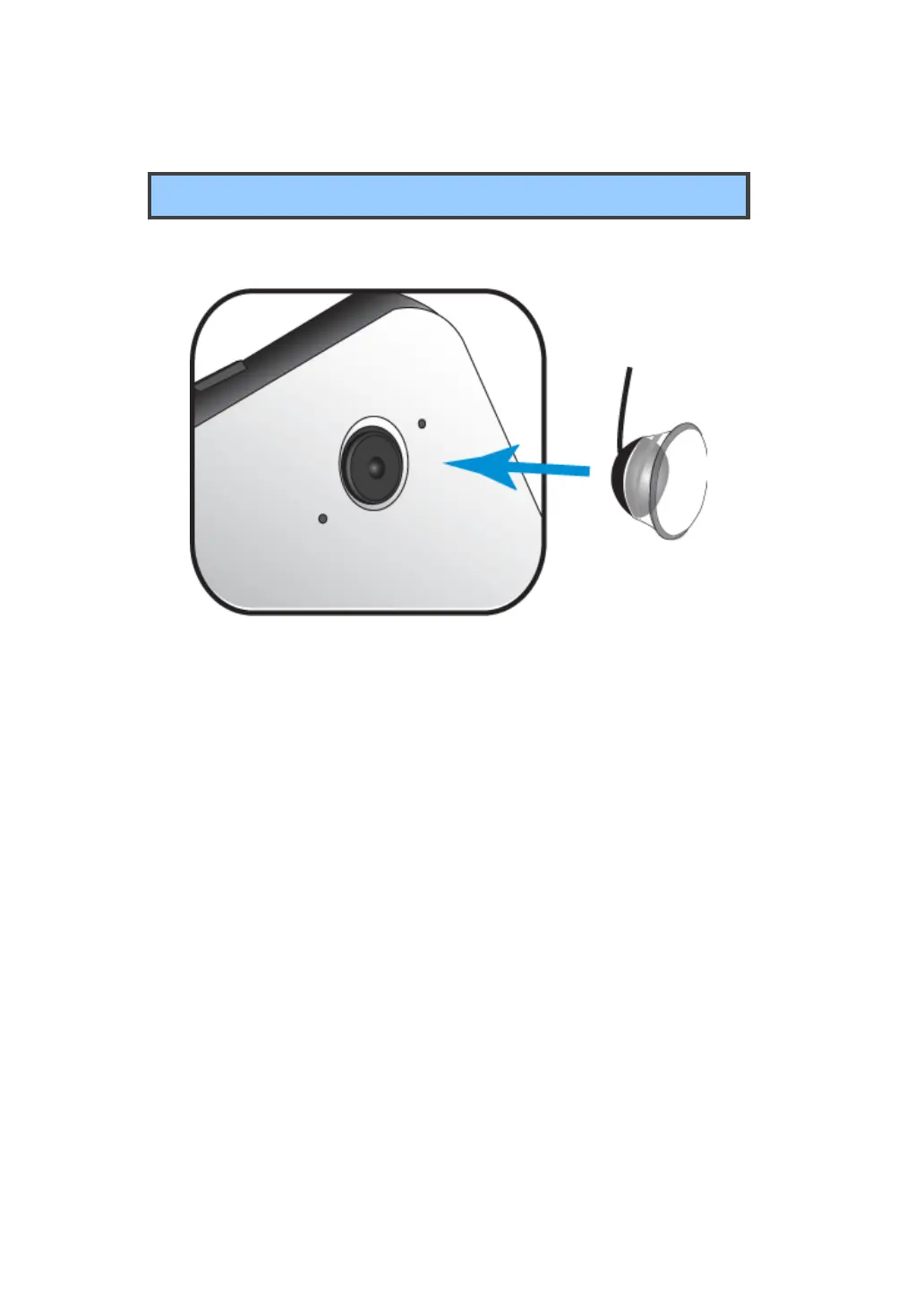
Installing your macro lens
With a few steps, you can turn your tablet into a microscope.
1. Gently press the macro lens over the rear-facing camera. Make
sure the bottom of the lens is fitted into the outer rim of the camera.
2. Activate any camera app in your tablet.
3. Gently press the lens on the object or tissue you want to
observe.



 To Next Page