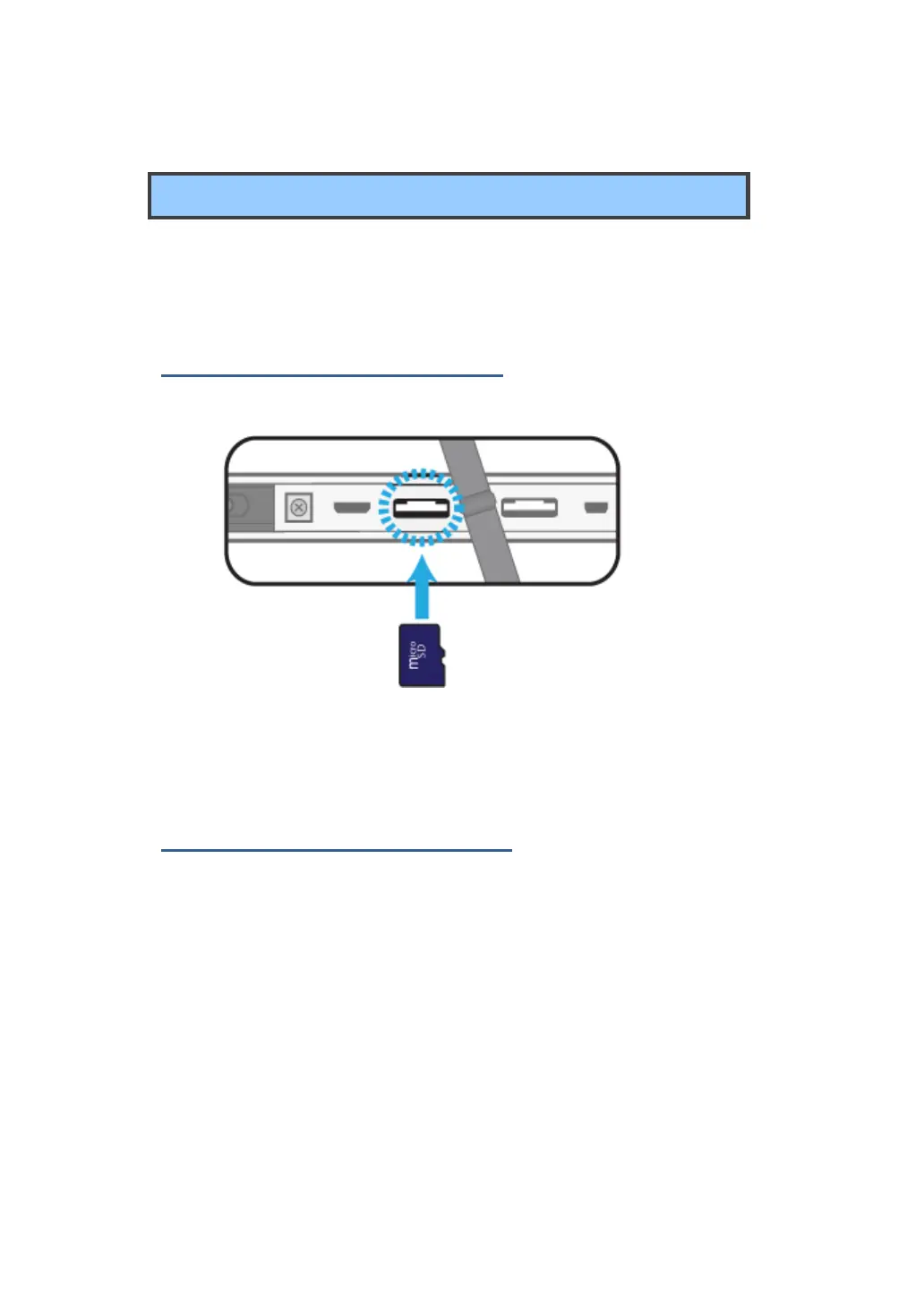
Micro SD Card Slot
You can utilize your micro SD cards as removable disks and conveniently
exchange data with digital devices such as a digital camera, digital
camcorder, MP3, etc.
To insert your micro SD card
1. Insert the micro SD card into the card slot as shown below.
2. Follow the message on the screen, and choose to open and view
files.
To remove your memory card
1. Press the card and release. The card will pop up.
2. Pull the card out by holding the end of the card.



 To Next Page