To check for the accurate status, drag downward on the icon area to
open the Quick Setting panel. The remaining battery power
percentage is displayed in the panel.
If you want to get much more detailed battery status, just tap the
battery from the Quick Setting panel, or do the following:
1. Open the Settings screen.
2. Touch Battery to check which apps are consuming battery power.
If you have used your tablet for a long time, check the battery
condition and determine if the battery should be replaced with a new
one by doing the following:
1. Open the Settings screen and touch About tablet➙Status.
2. If Battery status shows Poor, contact your technical advisors for
further instructions.
For Windows
Inspecting your battery status
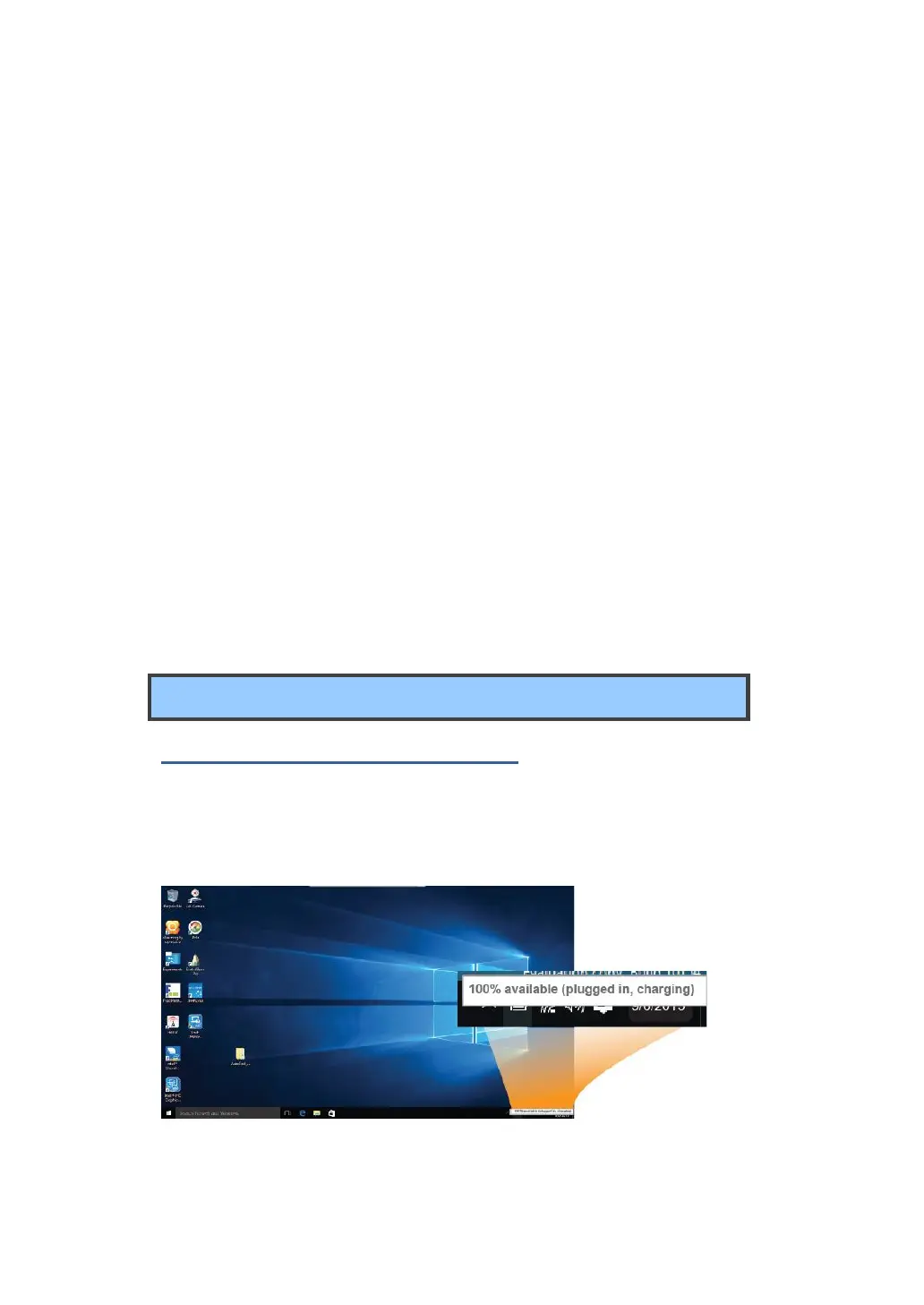
In Desktop, move the cursor to the battery icon in the taskbar. A pop-up
dialog box appears and shows you the remaining battery percentage, as
shown below.
The battery icon reveals the status of your battery, which described



 To Next Page